
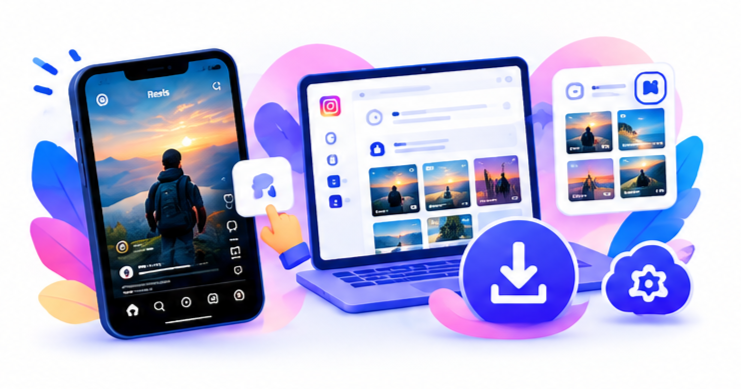
You can save an Instagram video without the app’s download button—and without installing a second saver app. Instagram still helps you copy the link. The file save happens in a mobile browser. SnapPullr is a web-based tool with no install: you download IG video online from a public URL.
That is the idea behind a browser Instagram downloader: no install, no account on the downloader, public URLs only. You do not need your Instagram password.
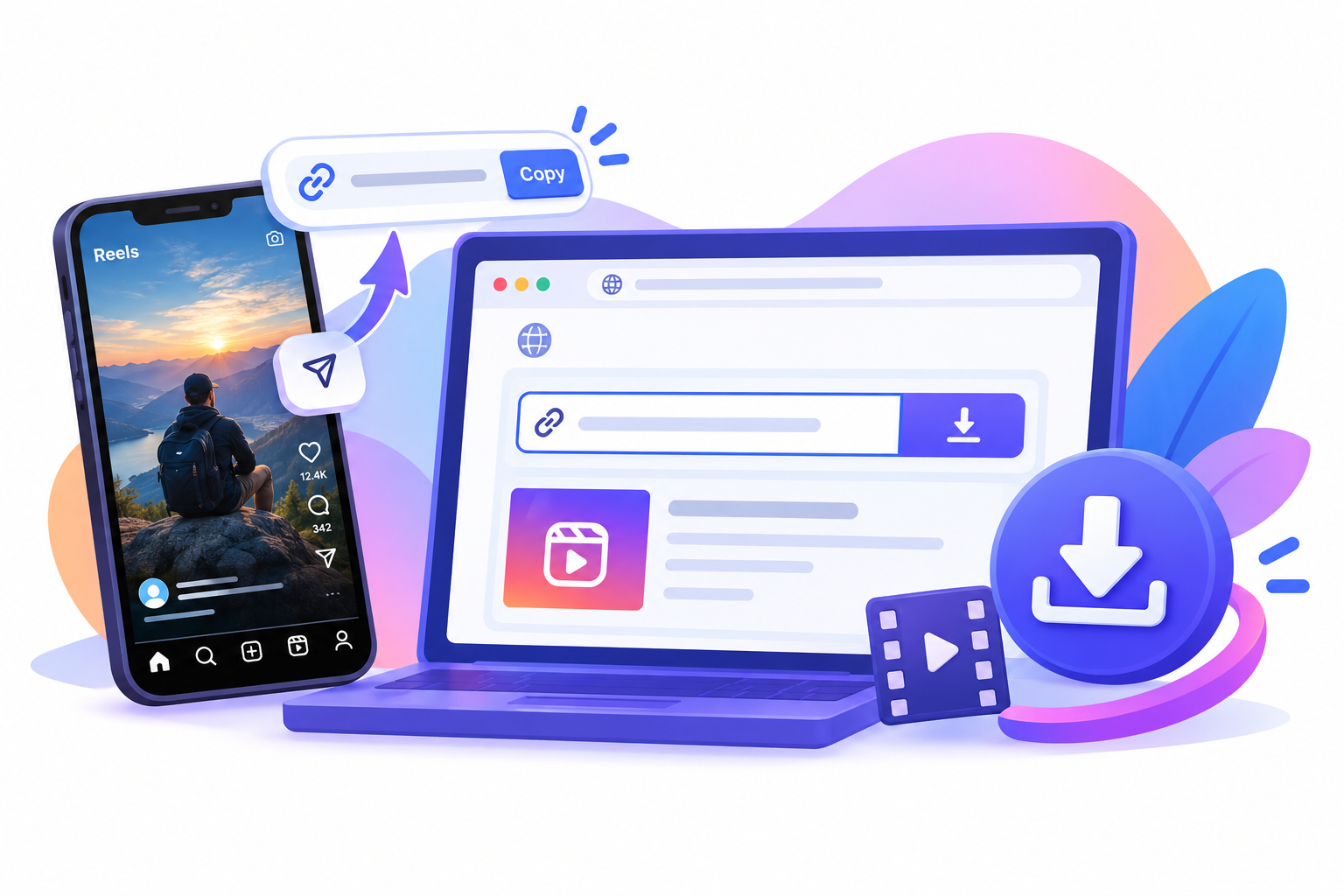
Copy the video link
Open the public video or Reel, not the creator’s profile grid, so you have the exact URL.
- Open the public post, Reel, or video.
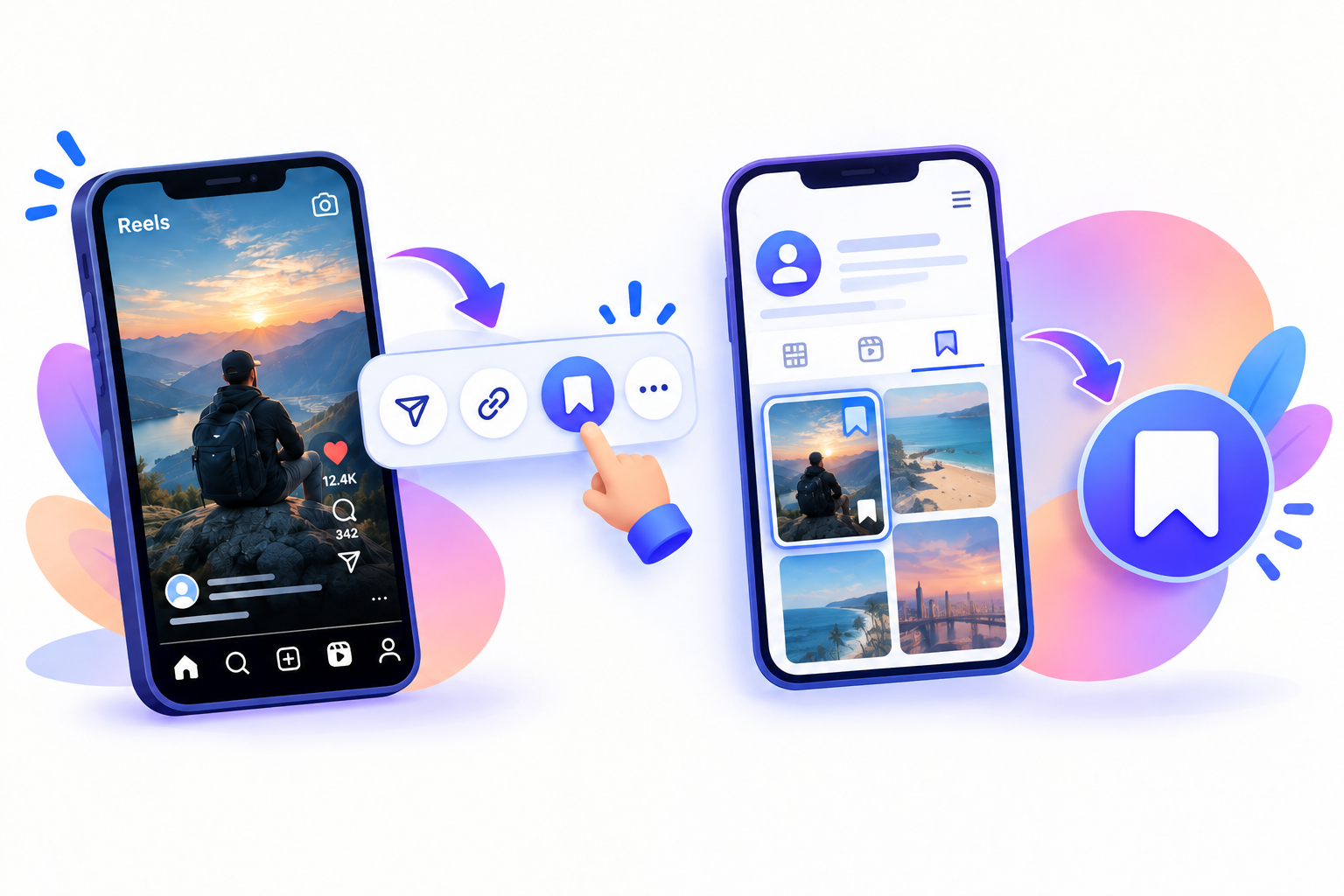
- Tap Share (paper plane) or the three-dot menu.
- Tap Copy link.
Use the video’s own URL, not a username-only profile. On instagram.com, use the post menu → Copy link. A profile URL will not give you a file.
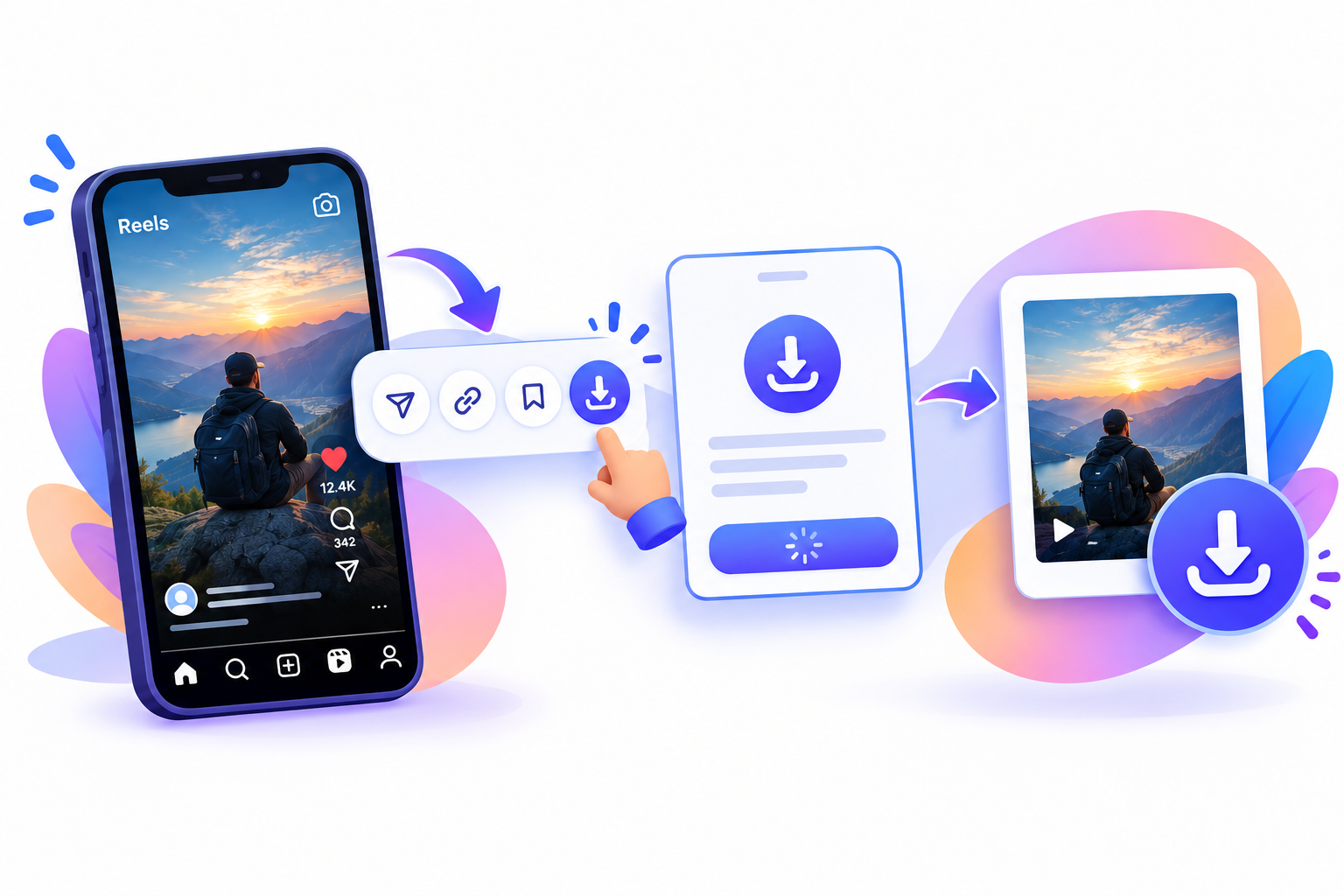
Paste it into SnapPullr
The download happens in a mobile browser. SnapPullr is a browser Instagram downloader and a web-based tool with no install.
- Open Safari, Chrome, or another mobile browser (or a desktop browser).
- Go to the SnapPullr website.
- Paste the URL and download IG video online.
- If Instagram’s in-app browser is flaky, open the page in Chrome or Safari and paste again.
SnapPullr does not ask for your Instagram login. It only works for publicly accessible content. Private accounts, deleted posts, and expired Stories will not download. Leave any page that wants a password or an installer.
Save the file to your device
On Android, the browser usually drops the MP4 in Downloads. On iPhone, you may need the Share sheet → Save Video from Files. On a computer, use the browser download bar.
- Open the completed download from the notification or Downloads folder.
- Open the video to confirm it plays.
- On iPhone, Share → Save Video if it is not in Photos yet.
- On Android, Share into Gallery if the file manager has it but Gallery does not.
Quality matches what Instagram already serves. Keep the file for personal offline use unless you have rights to reuse it. More troubleshooting is on How to download Instagram content. Device notes: Android Reels and iPhone Reels.
Questions
Frequently asked
How do I save Instagram video without an app?
Use a browser Instagram downloader. Copy the public link, paste it on SnapPullr, and download IG video online. That is how you save Instagram video without app installs. It is a web-based tool in a mobile browser or on a computer. No install.
What is a browser Instagram downloader?
A browser Instagram downloader is a website that accepts a public permalink. SnapPullr is a browser Instagram downloader. You save Instagram video without app packages, then download IG video online as a file. Web-based tool, no install.
Can I download IG video online on a mobile browser?
Yes. A mobile browser is the point of save Instagram video without app. Open the web-based tool, paste, download IG video online. No install. A browser Instagram downloader does not need a store listing.
Does “no install” mean I never open Instagram?
You may still copy the link from Instagram. Save Instagram video without app means no extra saver APK. You still download IG video online through a browser Instagram downloader (web-based tool, mobile browser). Private videos stay private.