
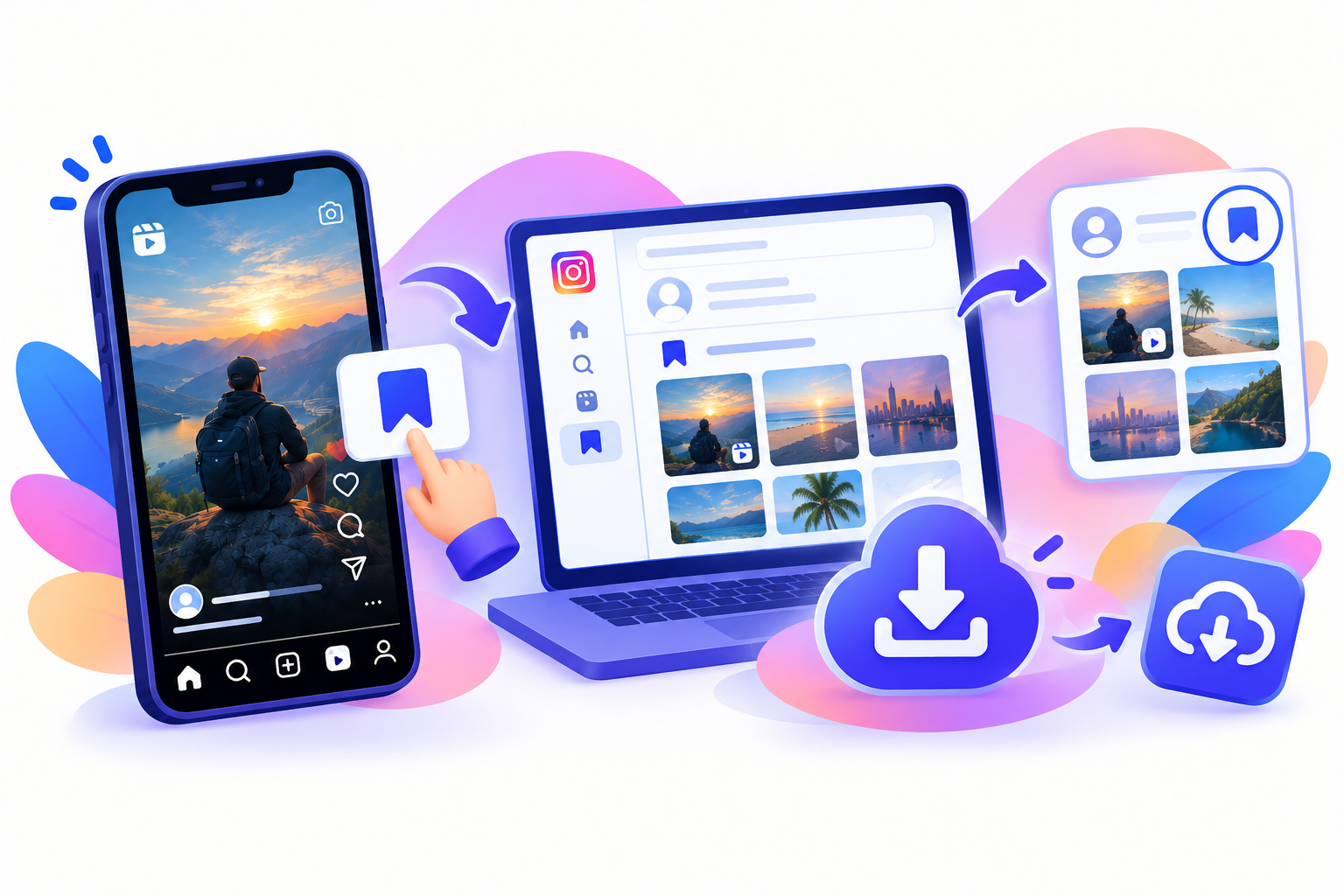
Instagram’s Save button on Android is a bookmark. The Reel stays online. If you want the file in Gallery—or in Google Photos later—you need to download Instagram Reels on Android as a video, not as a saved collection item.
You do not need a random reels downloader APK. To download Instagram Reels on Android, copy a public Reel link, paste it into SnapPullr in Chrome, then move the MP4 into Gallery if it landed in Downloads. You do not need your Instagram password.
Copy the Reel link
Open the Reel, not the creator’s grid, so you have the exact URL for that video.
- Open the public Reel.
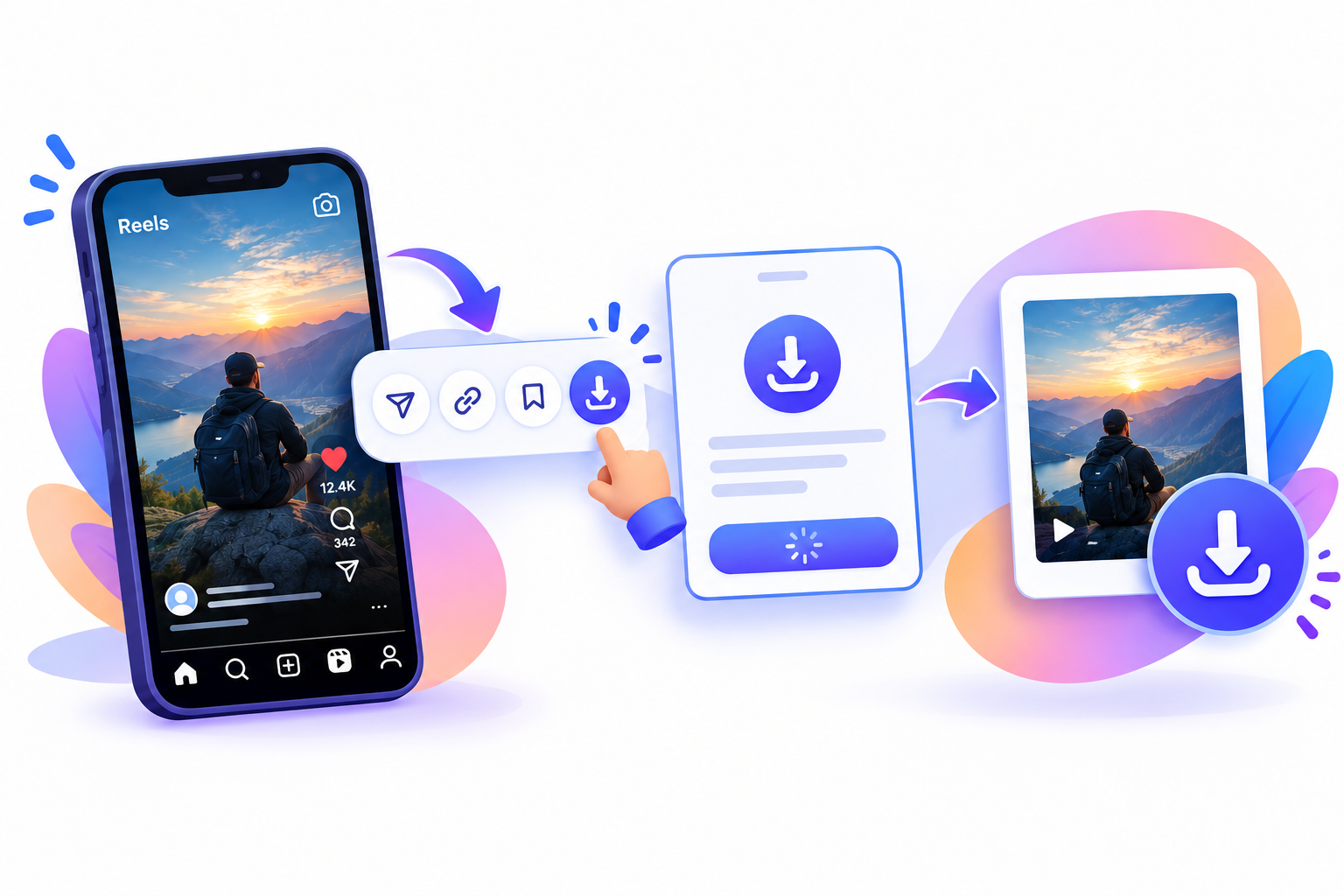
- Tap Share (paper plane) or the three-dot menu.
- Tap Copy link.
The address should include /reel/ or a post path for that video. A profile URL will not give you a file.
Paste it into SnapPullr
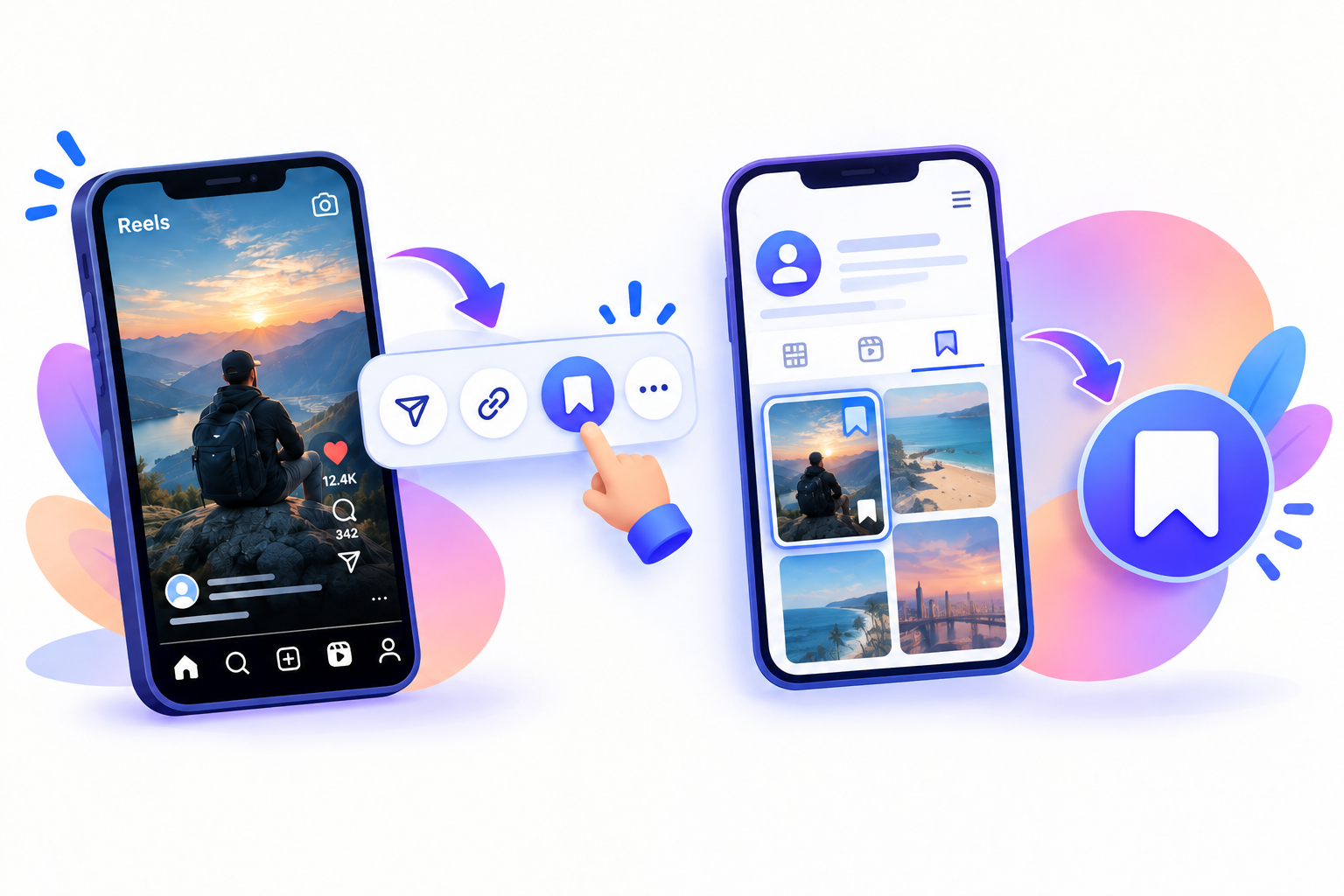
The download itself can happen in Android Chrome. You do not need a reels downloader APK.
- Open Chrome (Samsung Internet or Firefox works too).
- Go to the SnapPullr website or the Reels downloader page.
- Paste the URL into the box and start the download.
- If the Instagram in-app browser is flaky, open the page in Chrome and paste again.
SnapPullr does not ask for your Instagram login. It only works for publicly accessible content. Private accounts, deleted posts, and expired Stories will not download. Do not sideload a saver APK or enter your password on a downloader.
Save the Reel to Gallery
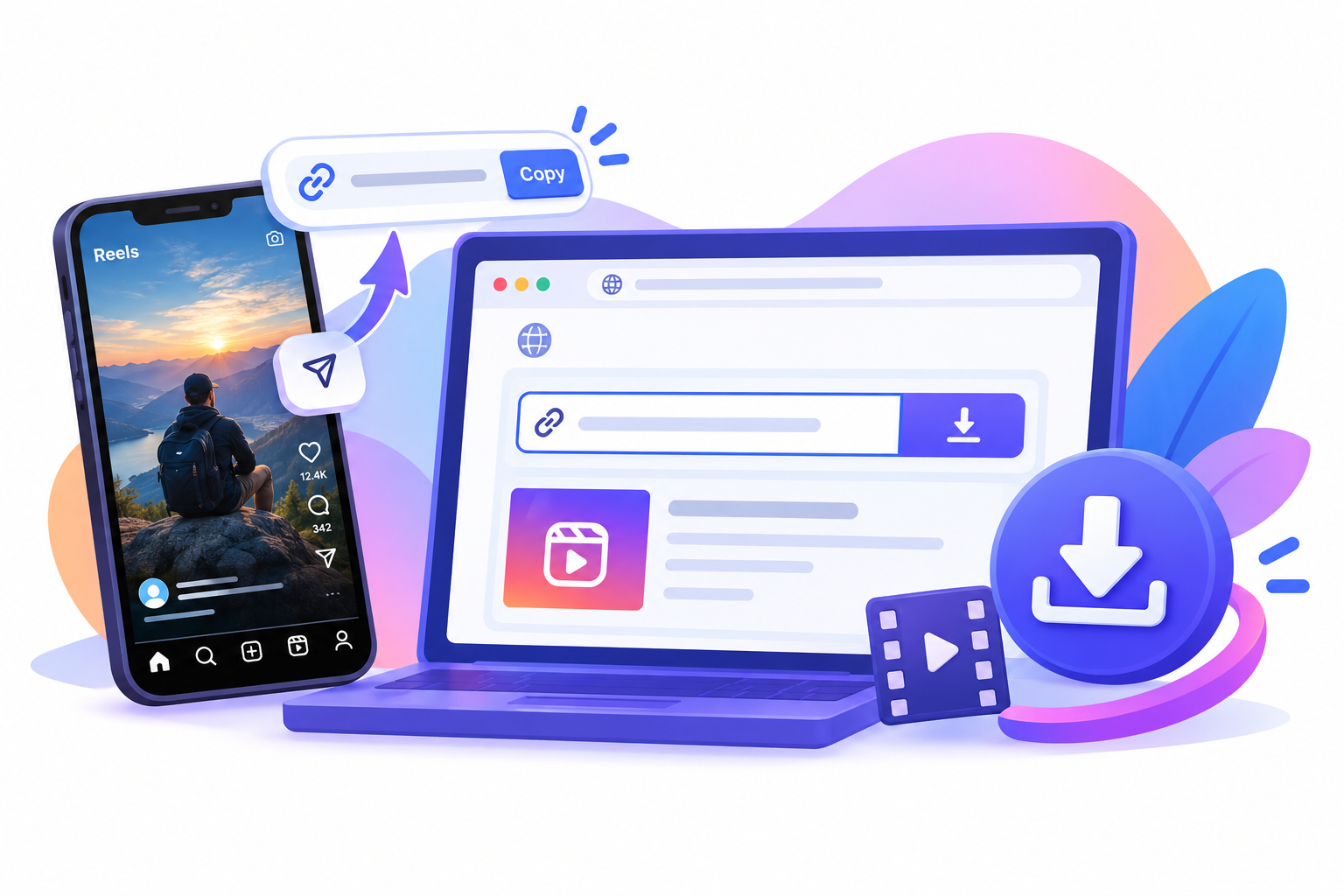
Chrome usually drops the MP4 in Downloads. Samsung’s My Files and Google’s Files app both show that folder.
- Open the download from the notification tray, or open Files → Downloads.
- Open the video.
- If Gallery did not index it yet, use Share → Save to Photos / Gallery.
- Google Photos can back it up after the clip is in Gallery or DCIM.
Quality matches what Instagram already serves for that public Reel. Keep the file for personal offline use unless you have rights to reuse it.
Questions
Frequently asked
How do I download Instagram Reels on Android?
Copy the public Reel link, open SnapPullr in Android Chrome, and download the MP4. You do not need a reels downloader apk. If Gallery is empty, use the file manager to save instagram reel android files from Downloads.
How do I save an Instagram Reel on Android to Gallery?
After you download Instagram Reels on Android, open the file manager → Downloads. Open the MP4 or Share it into Gallery. Google Photos can back it up after it is in Gallery or DCIM—not always straight from Downloads.
Do I need a reels downloader APK?
No. A reels downloader apk is extra risk. APK safety is the reason to stay in Android Chrome: do not sideload a saver or grant it accessibility access. You can still save instagram reel android videos in the browser.
Where do Android Chrome, the file manager, and Google Photos put the file?
Android Chrome usually saves to Downloads. The file manager (Files by Google or Samsung My Files) lists that folder. Google Photos is the backup layer after you save instagram reel android clips into Gallery. That flow is how you download Instagram Reels on Android without a reels downloader apk.