
instagramreelsdownload is what the search box shows when a thumb refuses to add spaces. Four words, one string. The job underneath is ordinary: save a public Reel as an MP4, in the browser, without an Instagram password.
Here’s the thing. Google still understands the spaced version, instagram reels download, and the stuck-together version. You do not need a different app for the spelling. You need a public link. SnapPullr is not Meta, and it will not pretend a private Reel is public because the query looked urgent.
Would a one-word search unlock a private account? No. And it should not. If the Reel will not play in a logged-out window, there is no file to fetch.
Same Reel, spaces or not
Treat instagramreelsdownload as the hurried spelling of a Reel save. Open the clip, tap Share, copy the link. The address still looks like instagram.com/reel and a short code. The missing spaces do not change the URL.
- Open the public Reel.
- Tap Share, then Copy link.
- Keep every character, including the part after the question mark.
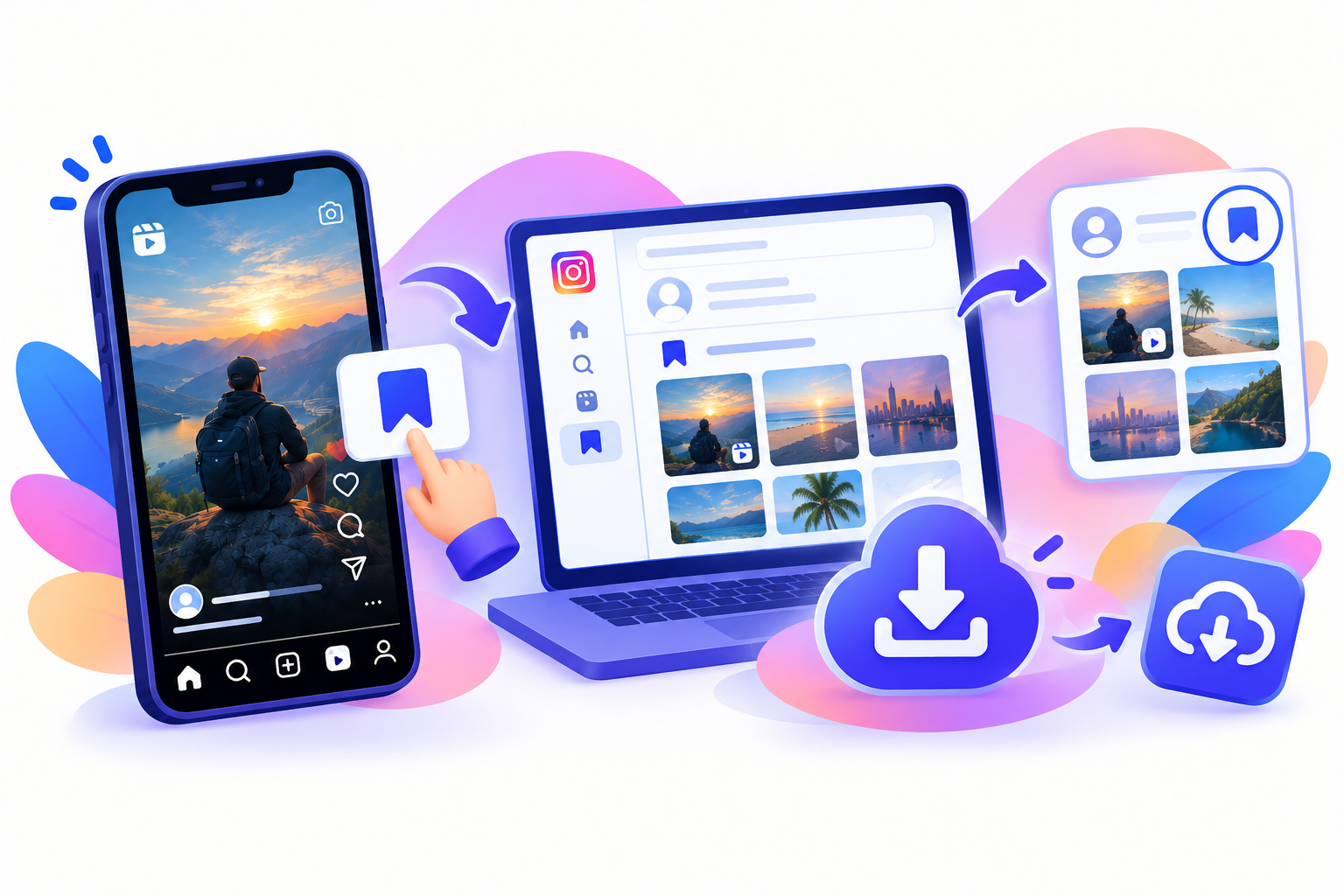
A profile URL is the wrong paste. So is a screenshot of the caption. So is a link a chat app cropped down to tagram.com. Put the missing letter back, then paste the full string into the Reels downloader.
People search instagramreelsdownload after the share sheet offers a story, a direct message, and a copy link, and still no file. The copy link is the piece you wanted. The rest of the sheet is for sending, not for keeping.
Paste, then pick the file
An instagramreelsdownload in the browser is three moves. Paste. Look at the sizes. Save the larger one if your connection can take it. The smaller one is for a thin data pack, and even then I would rather wait.
- Use Chrome, Safari, or the browser on a laptop.
- Paste the Reel URL. No username, no code.
- Save the MP4 and play it once before you rename it.
Where the file actually lands
On Android, an instagramreelsdownload usually drops into Downloads. Open the folder before you assume the button failed. Gallery does not always index a new MP4 in the same second. Pull to refresh, or move the file into a Movies album yourself. The Android guide covers that folder in more detail.
iPhone is the fussy one. Safari often hands the file to the Files app. From there, Share, Save Video, Photos. That hop is the whole reason people think the save broke. It did not. It stopped one drawer earlier. The iPhone guide is the picture-by-picture version.
A laptop is the easy version of instagramreelsdownload. The file sits in the downloads folder with a useless name. Rename it before the next Reel, or you will collect a pile of video(1).mp4 and trust yourself to remember which sunset was which.
Audio, and the logo question
A proper instagramreelsdownload keeps the sound Instagram packaged with the video. Talking, music, a noisy street. A muted Reel stays muted. We do not peel the audio into a separate music download on this page. If that is what you wanted, the audio page is a different tool, and it still only works when the public file actually contains a track.
Let’s be honest. Some results for this one-word query promise a clean video and then print their own name on it. SnapPullr does not. A handle the creator already burned into the frame stays there. The watermark page explains why stripping that mark is not the offer.
- Sound stays when the Reel had sound.
- A creator’s burned-in name stays.
- No extra logo from this site.
- The upload quality is the ceiling.
What this spelling will not do
instagramreelsdownload will not open a private account, a close-friends Reel, or a clip that has been deleted. Those three failures look identical from the form: no file. Copy the link again. If a logged-out browser cannot play it, neither can we.
It also will not turn a story into a Reel. Stories expire in about a day. Highlights last until the owner deletes them. Paste a story link on the story page. Pasting it here and hoping the spelling is magic will waste a minute.
And it will not ask for your password. I would close any instagramreelsdownload result that does. The login is the product they are actually collecting. A public file does not require it.
How this sits next to the other guides
The short phrase, with IG instead of the full name, is a cousin search. This page is the one-word version. The IG Reels download guide covers that spelling. Both of them send you to the same box. Writing two walkthroughs is for the two ways people type, not for two different files.
An instagram reels download with normal spaces is the head term in the research, the one with the huge Indian search volume. The stuck-together spelling is the same intent after autocorrect gives up. I am not going to pretend they need different buttons.
That said, device pages still earn their place. Android’s Downloads folder and the iPhone Files hop are where people get stuck after the link was fine. Read those if the MP4 exists and you cannot see it in the camera roll. The link was not the problem.
Keep it personal
Use instagramreelsdownload for a file you are allowed to keep. Your own public Reel, backed up. A class clip. Something you will watch offline. The creator still owns it. Reposting it, or dropping it into an ad, is outside what a save button decides. The copyright note is not legal advice. The terms say the same in fewer stories.
One opinion, then I will stop. Screen recording this query’s result is the lazy copy. You get a softer picture, a notification in the audio, and a crop you did not choose. The direct file is duller to explain and better to keep.
Which brings us to the last check. Play the MP4. If it is a still image, you grabbed a cover, not the Reel. Go back to Share, copy the link again, and paste the full address. Save once. Close the tab.
If you only needed the bookmark inside Instagram, you do not need this page at all. The flag icon already does that, and it only works while the Reel stays up and you stay logged in. instagramreelsdownload is for the moment the flag is not enough.
After the file is yours
Play it on the phone before you AirDrop it to anyone else. A cover image looks convincing in the download list and embarrassing in a group chat. Free space is the other quiet failure. A full handset reports success and writes nothing. Delete two old videos, paste again, and save one time.
Captions stay on the post. They are not a subtitle track inside the MP4. If the words matter, copy them while the Reel is still up. On a prepaid pack, a short clip is cheap and a long HD one is not. Stay on the page until the save finishes. Android, in particular, sleeps a download when the screen locks.
This page exists so the one-word version has a straight answer, the same three steps, and the same limits as the other guides. Public link. Personal copy. No password. No extra logo now.
- Step 1Open a public Reel, tap Share, then Copy link.
- Step 2Paste the full link into SnapPullr. The page does not ask for a password.
- Step 3Save the MP4 to Downloads or Files, then move it into Gallery or Photos if you want.
Questions
Frequently asked
Why is the search written as one word?
Phones run the words together. The job is still a public Reel saved as a file.
Is this a different tool from the Reels page?
No. It is the same browser box. This page explains the smashed-together spelling.
Will a private Reel work?
No. If you cannot open it without an account, SnapPullr cannot open it either.
Does the file keep its sound?
Yes, when Instagram included audio. A silent upload stays silent.
Do you add a watermark?
No. A mark the creator already placed in the Reel stays in the picture.