
An ig reels download is the file, not the bookmark. IG is the short name people type for Instagram. The Reel is playing, the share sheet is open, and there is still no MP4. That is the whole search.
Here’s the thing. A bookmark inside the app is a pointer. It dies if the creator deletes the Reel, and it is useless on a flight. A file on your phone is the other job. Personal use. The copyright stays with the person who shot it. SnapPullr is not Instagram and not Meta.
You do this in the browser you already have. No APK. No password. If a page asks you to log into Instagram, close it. That request is the warning.
Would you hand your password to a site just to keep a 20-second clip? I would not. A public link is enough, and only when the Reel is actually public.
Copy the Reel link
Start an ig reels download from the Reel itself, not from the profile grid. Open it. Tap Share, the paper plane, then Copy link. You want one address for that clip.
- Open a public Reel and let it play for a second so you know it is the right one.
- Tap Share, then Copy link.
- Check that the address starts with instagram.com/reel before you switch apps.
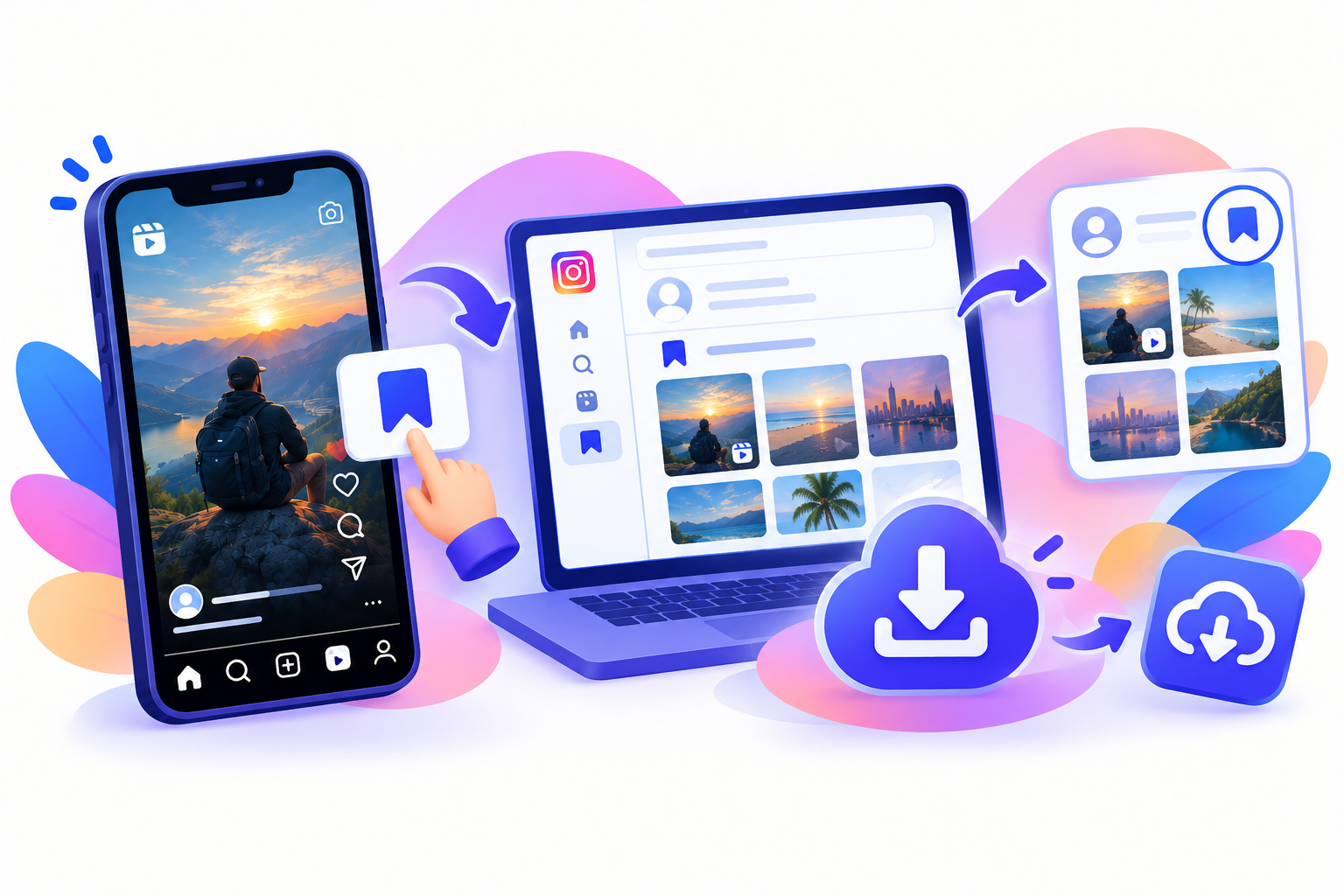
Paste the whole string, question mark and all. A screenshot of the caption will not work. A profile URL will not work either. And a link from a private account fails even if a friend texted it, because this page never logs in as you.
Chat apps sometimes eat the first letter, so the paste begins with tagram.com. Put the i back. Then try again. That one mistake looks exactly like a broken tool.
Paste it into the browser
People type ig reels download because the app offers WhatsApp, a story reshare, and a link, and never a plain save. The public link is the side door. Open SnapPullr and drop the URL in the box.
- Open Chrome or Safari. A laptop browser is fine too.
- Paste the full Reel URL.
- Choose the larger file if two sizes appear.
- Save once. Play it before you send it to anyone.
Chrome is the calm place for an ig reels download on Android. The MP4 usually lands in Downloads. Samsung Gallery and Google Photos can both see that folder. Wait until the save finishes before you lock the screen. Android will pause a download when the phone sleeps, and you will swear the button did nothing.
On an iPhone, an ig reels download often lands in Files before Photos. That extra hop is Apple. From Files, tap Share, then Save Video, and it shows up in the camera roll. The iPhone guide walks through that hop if Photos stays empty. And yes, a computer skips it. Paste, save, rename.
There is a matching Android guide for the Gallery import. This page is the short-phrase walkthrough. Those two are the device notes. Same public link. Different places the file hides.
Sound, size, and the mark in the corner
A good ig reels download keeps the audio Instagram already packed into the Reel. Voice, a song, street noise. If they posted it silent, the file is silent. We do not invent a soundtrack.
Pick the larger size when two appear. The word HD on a button is only as good as the upload. A Reel shot in a dark kitchen will look like a dark kitchen. We cannot add pixels the camera never captured. Honestly, I would rather wait one second on a slow connection than keep the tiny copy.
Let’s be honest about watermarks. SnapPullr does not stamp an ig reels download with an extra logo. If the creator burned a handle into the picture, that mark stays. Removing it would mean editing their work. The watermark guide is the long version of that distinction.
- Audio stays when Instagram included it.
- A burned-in name stays. It is part of the picture.
- No SnapPullr bug in the corner.
- Quality stops at the original upload.
When the save should fail
An ig reels download fails on a private account, and that is the correct result. Close friends, a deleted Reel, a typo, or a story link pasted into the Reel box by mistake: all of those come back empty. Copy the link again from Share. If it still fails, the Reel is not public.
Stories run on a different clock. A Reel stays until someone removes it. A story is gone in about a day unless it was pinned as a highlight. Do not blame the picture quality for an empty story. Paste that link on the story page instead.
Age-gated posts and anything you cannot open in a logged-out window are out of reach on purpose. We do not keep a secret archive of Reels that have already been deleted.
A bookmark is not a file
I would rather do an ig reels download in the browser than install an APK from a comment section. An APK can ask to read your photos and your texts. A browser tab closes. Which brings us to the only check I trust: if there is a password box, you are in the wrong place.
The in-app Save button is still useful. It helps you find the Reel again while you are logged in. It does not help on a train with no signal, and it vanishes when the creator archives the post. People mix those two jobs up, then get angry at the file they never actually saved.
Rename the file after an ig reels download or the phone will call it video.mp4 forever. On a computer, put it in a folder named for the month. Future you, hunting for a drill clip from June, will not enjoy a desktop of untitled videos.
Keep an ig reels download for personal use. The Reel still belongs to the person who made it. A class clip you were told to keep, or your own public Reel backed up before you archive it, is the lane. Reposting it as your own, or cutting it into an ad, is a copyright question. The legal note is an explainer, not legal advice, and the terms are the house rules.
After the MP4 is on the phone
Play it once before you forward it. Is the sound in sync? Is it the frame you expected? A bad paste sometimes grabs the cover image, and you only notice when a friend says it is a still. Copy the link again from Share and paste the full address.
That said, an instagram reels download with the spaces typed out is the same job. So is a reels download saved to the camera roll. The short phrase is just how the search box gets filled on a phone, thumbs moving faster than the spelling. The steps do not change.
One opinion I will not dress up: screen recording is the worse copy. The picture is softer, a notification leaks into the audio, and the frame gets cropped by the recorder. A direct file is the cleaner personal copy, when the Reel is public and you are allowed to keep it. Check free space first. A full phone writes nothing. Try once more. Save once.
- Step 1Open a public Reel, tap Share, then Copy link.
- Step 2Paste the full instagram.com link into SnapPullr. No password.
- Step 3Save the MP4. On iPhone, move it from Files into Photos if you want it in the camera roll.
Questions
Frequently asked
Do I need the Instagram app installed?
No. The save happens in the browser. The app is only useful for copying the link.
Will the sound stay?
If Instagram included audio in the file, the MP4 keeps it. A silent Reel stays silent.
Can I save a private Reel?
No. Private accounts and close-friends Reels are not fetched. SnapPullr never asks for your password.
Does SnapPullr add a logo?
No. A name already burned into the Reel stays, because it is part of the original picture.
Where does the file go on a phone?
Android usually uses the Downloads folder. iPhone often uses Files first, then you can save the video into Photos.