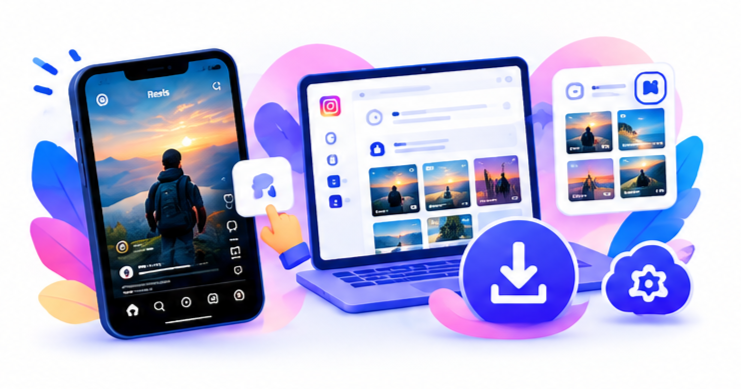
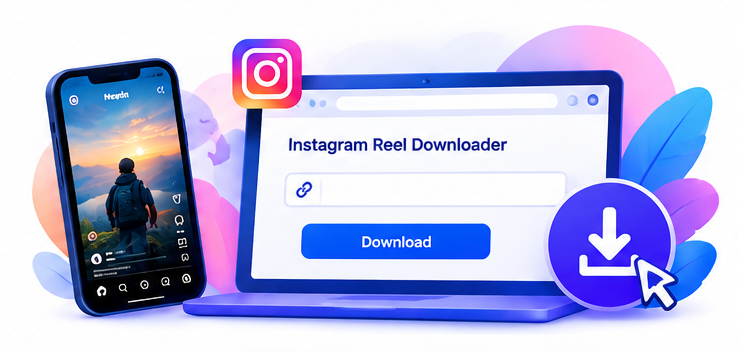
Not every Reel comes with Instagram’s built-in download option, and not everyone wants to dig through app menus just to save a video. In these cases, an online Reel downloader such as SnapPullr offers a quick, browser-based way to grab a copy of a Reel using nothing but the video’s link.
Step-by-Step: Using SnapPullr
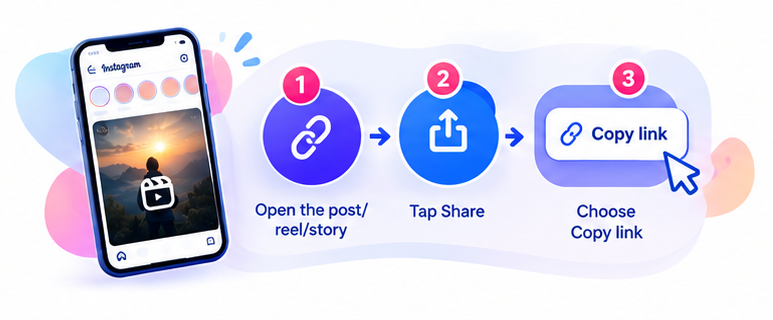
- Open Instagram and copy the link to the Reel.
- Visit the SnapPullr website.
- Paste the Reel link into the downloader.
- Follow the instructions provided by the website.
- If the download is available, save the video to your device.
Using Downloaded Videos Responsibly
Being able to view or download a Reel does not automatically mean you have permission to reuse it elsewhere. If you plan to share or repost a video beyond personal use, the safest approach is to use Instagram’s own sharing features or to ask the original creator directly. In short, downloading a video and having permission to reuse it are two different things always keep copyright, privacy, and your intended use of the content in mind.
A Few Practical Tips
Stick to reputable downloader sites, avoid entering any Instagram login details into third-party tools, and double-check that the Reel is from a public account before attempting to download it private content generally cannot and should not be accessed this way.