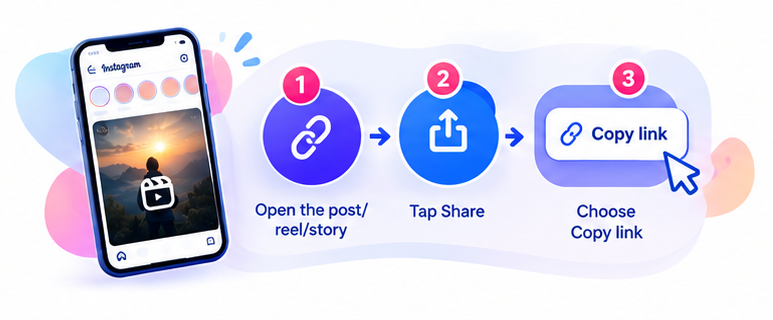
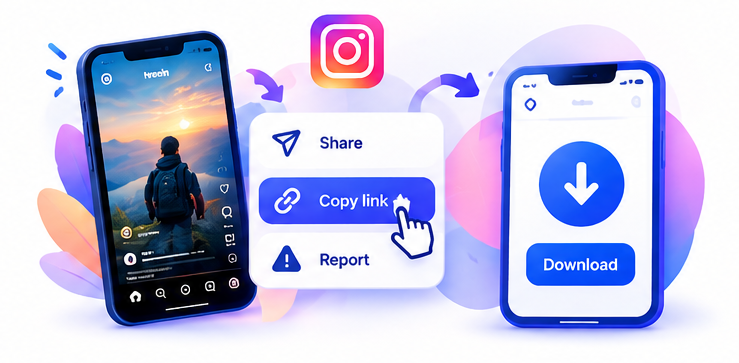
Sometimes bookmarking a Reel inside Instagram isn’t enough you might want to watch it offline, save it permanently, or keep a copy in case the creator deletes the original post. For situations like this, Instagram offers a native download option that saves the video file directly to your device, when the creator has allowed it.
Step-by-Step: Downloading with Instagram’s Built-in Option
- Open the Reel you want to save.
- Tap the Share (paper plane) button below the video.
- Look for the Download option in the share menu.
- If the option is available, tap it and follow the on-screen instructions to save the video to your device.
Why the Download Option Isn’t Always There
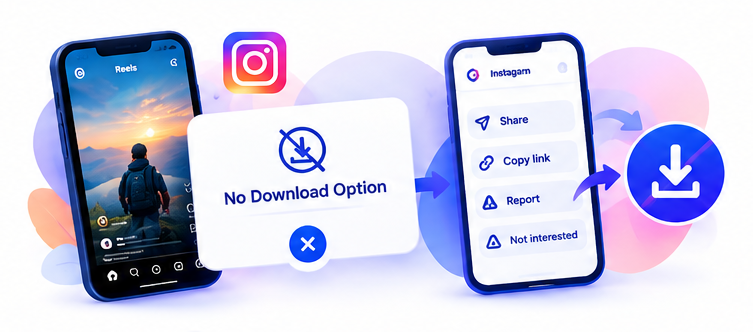
Instagram gives creators control over whether their Reels can be downloaded directly. Some creators allow it, while others turn the option off to protect their content. Because of this, you might see the Download button on one Reel but not on another, even if both look similar. Instagram’s own app updates can also change how and where this option appears over time.
If the Download Option Is Missing
When Instagram doesn’t offer a direct download for a particular Reel, you have two reasonable choices: reach out to the creator and ask for permission to save or share their content, or use a separate online tool designed for this purpose. Either way, it’s worth being mindful of whose content you’re downloading and how you plan to use it afterward.