Can You Save an Instagram Reel Without an App?
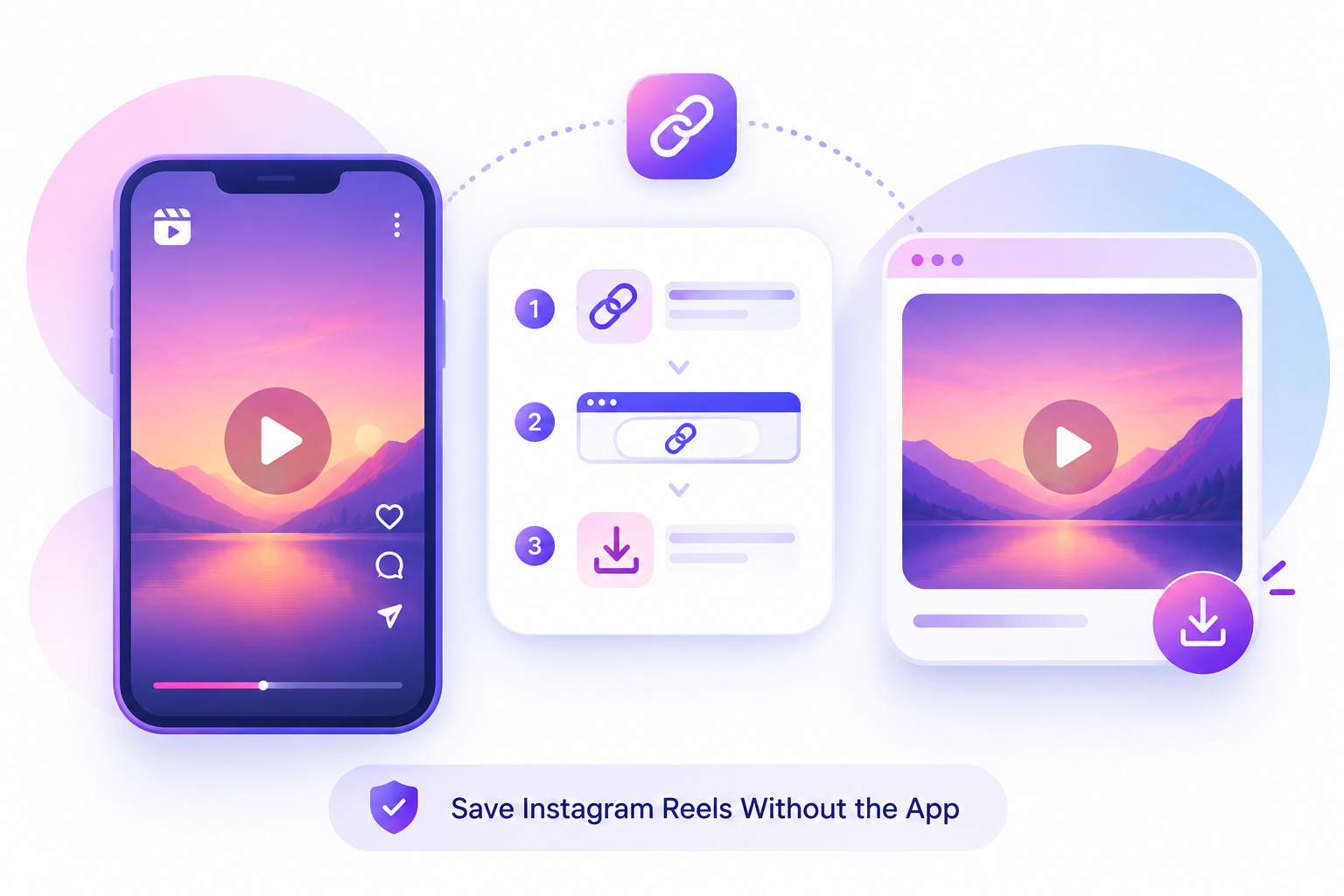
Saving an Instagram Reel without the app is a simple and convenient way to keep a video on your device. You can do this directly through a web browser on your phone, tablet, or computer without installing any additional application. First, open Instagram, find the Reel you want to save, tap the Share button, and select Copy Link to copy the Reel’s URL.

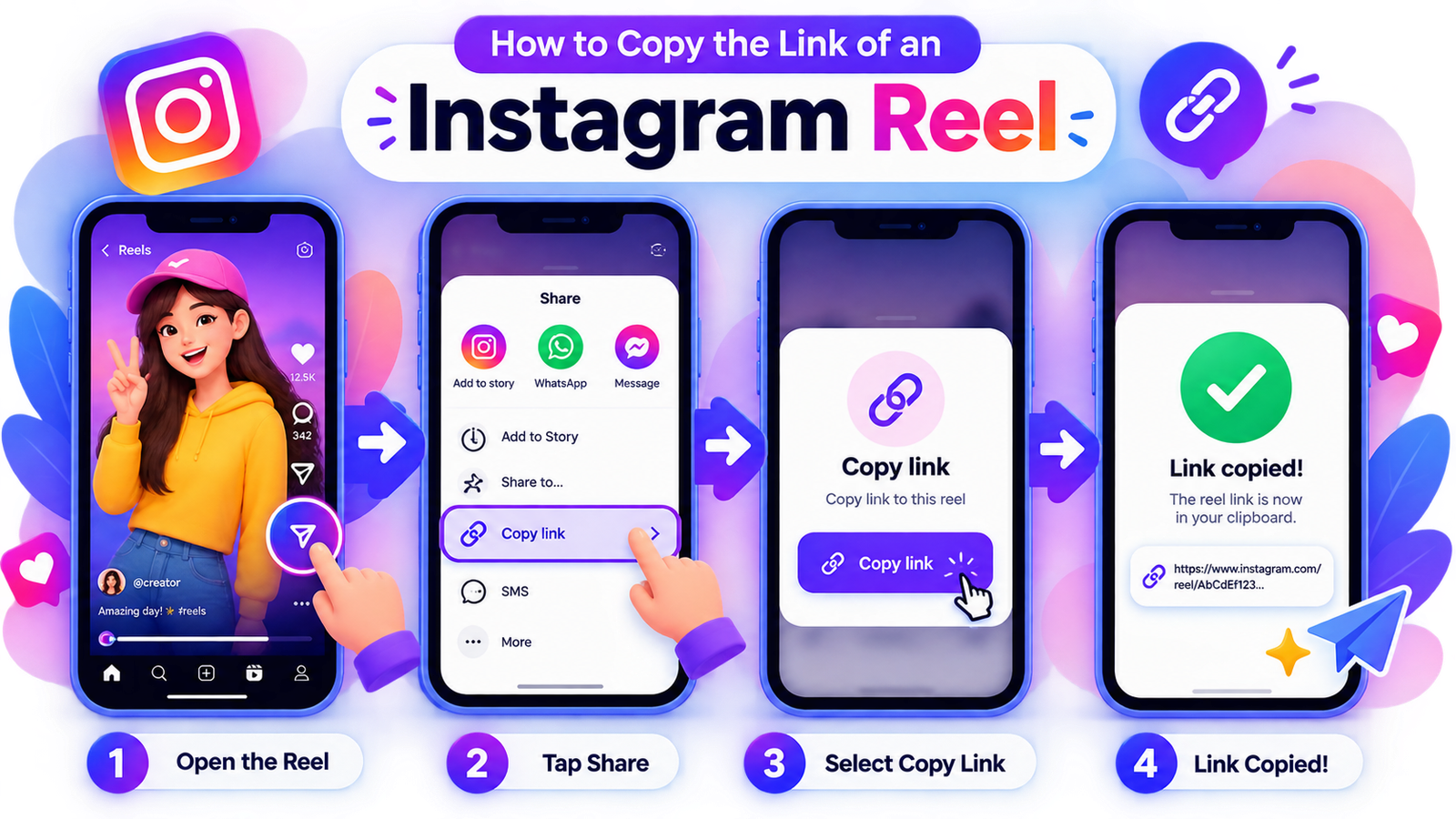
How to Copy the Link of an Instagram Reel
Once you have copied the link, open a trusted Instagram Reel downloader website in your browser and paste the URL into the provided input box. Click the Download button and wait for the available option to appear. If the Reel is publicly available and supported by the service, you can save the video directly to your device.
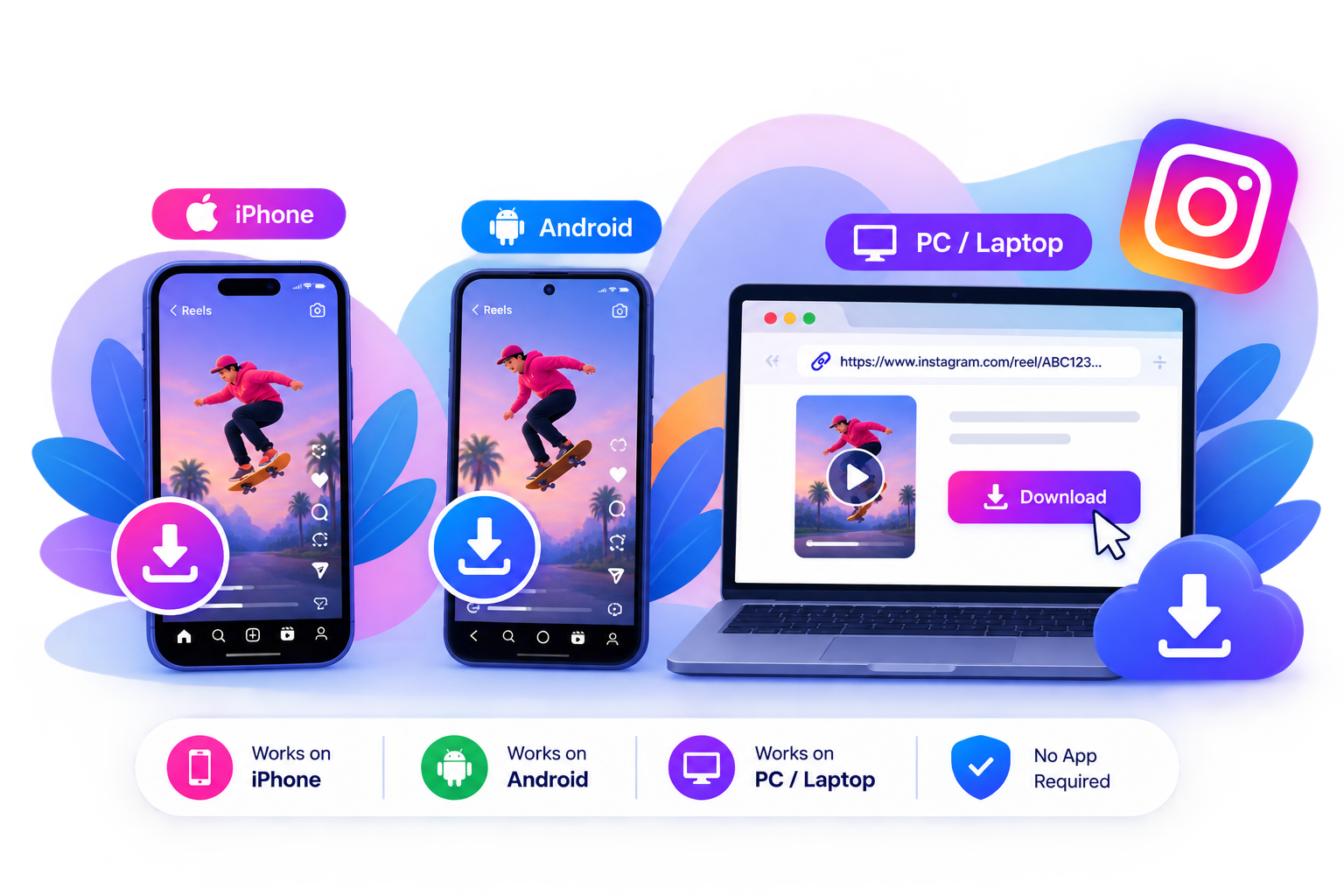
Can You Save Reels on iPhone, Android, and PC?
When using third-party download websites, always protect your personal information and never enter your Instagram password or login details. You should also respect the original creator’s copyright and privacy. If you plan to repost or use a Reel for your own content, make sure you have the appropriate permission. With a simple copy, paste, and download process, you can save supported Instagram Reels without installing an app.