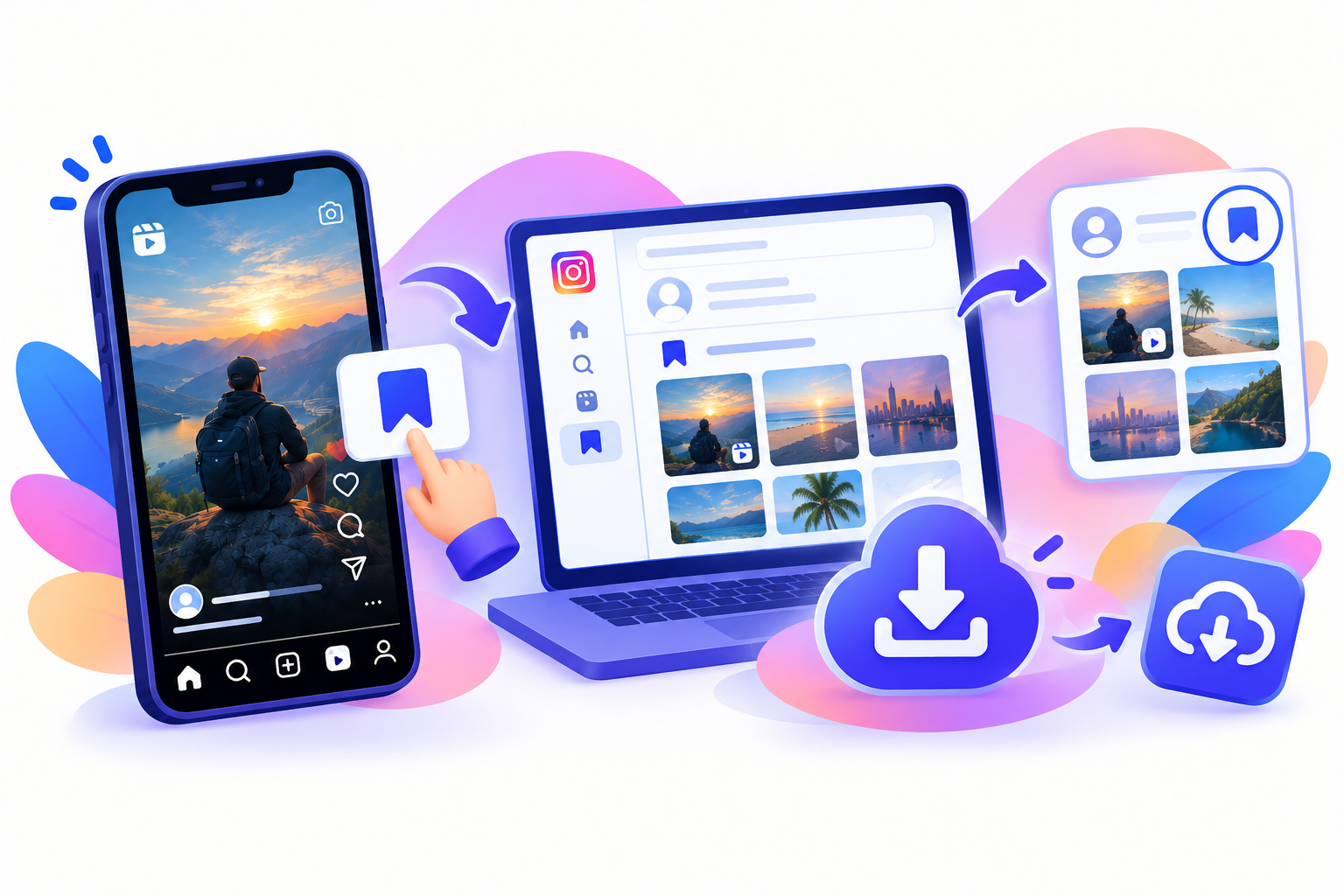
A carousel is a swipeable Instagram post: several photos, videos, or a mix. Saving only a screenshot of the first frame misses the rest of the album post. To download Instagram carousel post media you copy one permalink. A multi-image downloader should list the carousel slides Instagram still serves so you can bulk download and save all photos from Instagram post albums.
SnapPullr’s FAQ states supported public carousels can be processed and items may be saved individually. That is the reliable pattern: one link, then per-slide files—not a mystery ZIP. You do not need your Instagram password. Private album posts will not work.
Copy the carousel link
Open the public album post, not the profile grid, so you have one URL for every carousel slide.
- Open the carousel and swipe once so you know how many items exist (1/8, 2/8, and so on).
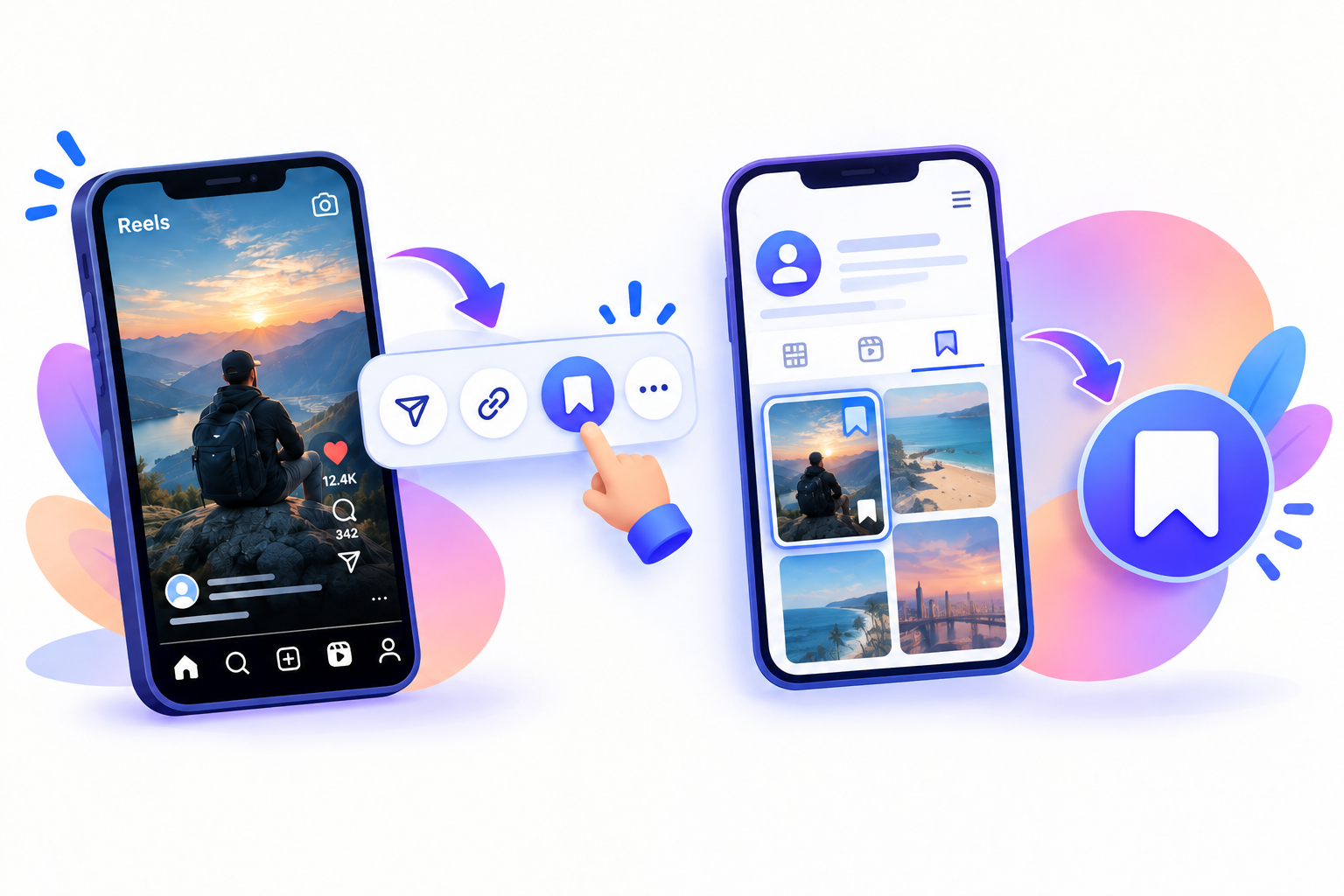
- Tap Share (paper plane) or the three-dot menu.
- Tap Copy link — one permalink for the whole album post.
Do not copy a profile URL. That will not download Instagram carousel post slides.
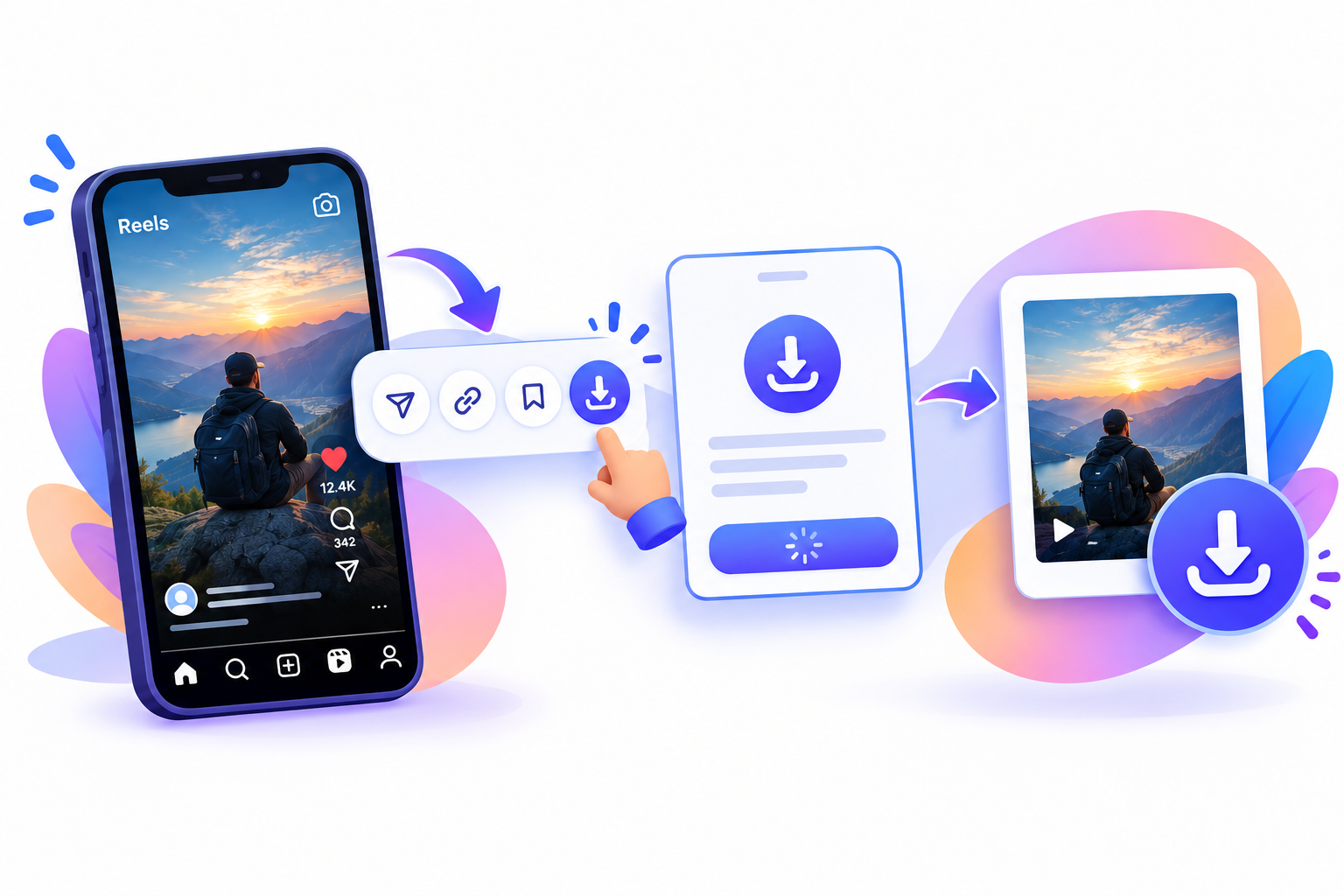
Paste it into SnapPullr
Use SnapPullr as a multi-image downloader in the browser. One album post URL should list the carousel slides Instagram still serves.
- Open Safari, Chrome, or another browser.
- Go to the SnapPullr website.
- Paste the URL and start the download.
- Expect mixed files if the carousel has stills and video slides.
SnapPullr does not ask for your Instagram login. It only works for publicly accessible posts. A true single-click ZIP is not something to assume—save each item the tool lists.
Save all photos from Instagram post
Bulk download here means every carousel slide, even if you tap once per file. Stopping after the cover leaves the rest of the album post unsaved.
- Download slide 1, slide 2, and so on. Number files if the phone overwrites download.jpg.
- Keep stills as JPEGs and video slides as MP4s.
- If you only need two slides, skip the rest.
- A creator can delete slides; the downloader cannot invent missing carousel slides.
The caption lives on the post, not inside every JPEG—copy it separately if you need it. An album post is still the creator’s work. See copyright notes and SnapPullr terms. Fetch limits are also in the FAQ.

Questions
Frequently asked
How do I download Instagram carousel post albums?
Copy one post URL and paste it into SnapPullr. That is how you download Instagram carousel post items. A multi-image downloader should list carousel slides so you can save all photos from Instagram post albums. Bulk download the album post slide by slide if there is no ZIP.
Can I save all photos from Instagram post carousels at once?
You save all photos from Instagram post carousels as a set of files. To download Instagram carousel post slides, use a multi-image downloader. Bulk download of an album post may still be one tap per carousel slide.
Is SnapPullr a multi-image downloader?
It processes supported public carousels so you can download Instagram carousel post media and save all photos from Instagram post albums. Treat carousel slides as a bulk download checklist. The album post is one URL.
How many carousel slides can I bulk download?
As many as Instagram still serves on that album post. A multi-image downloader cannot invent missing carousel slides. You still download Instagram carousel post files and save all photos from Instagram post sets that remain public.