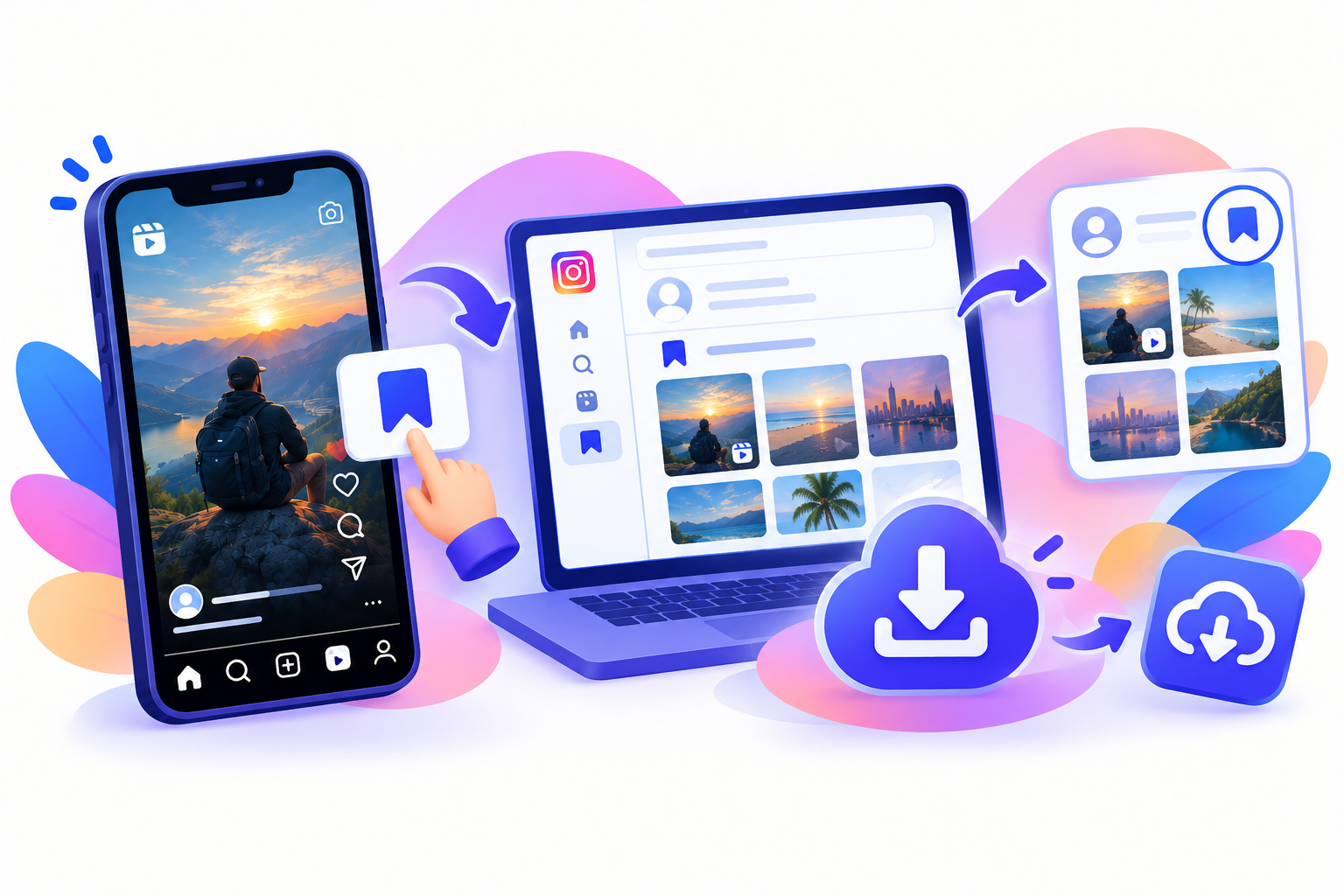
“Full resolution” on Instagram is easy to oversell. Instagram compresses uploads. A downloader cannot recover a RAW file, or undo compression Instagram already applied. You can download Instagram photos full resolution as the highest JPEG download Instagram is serving for that public post—original quality in the practical sense, with no compression added by the Instagram photo saver.
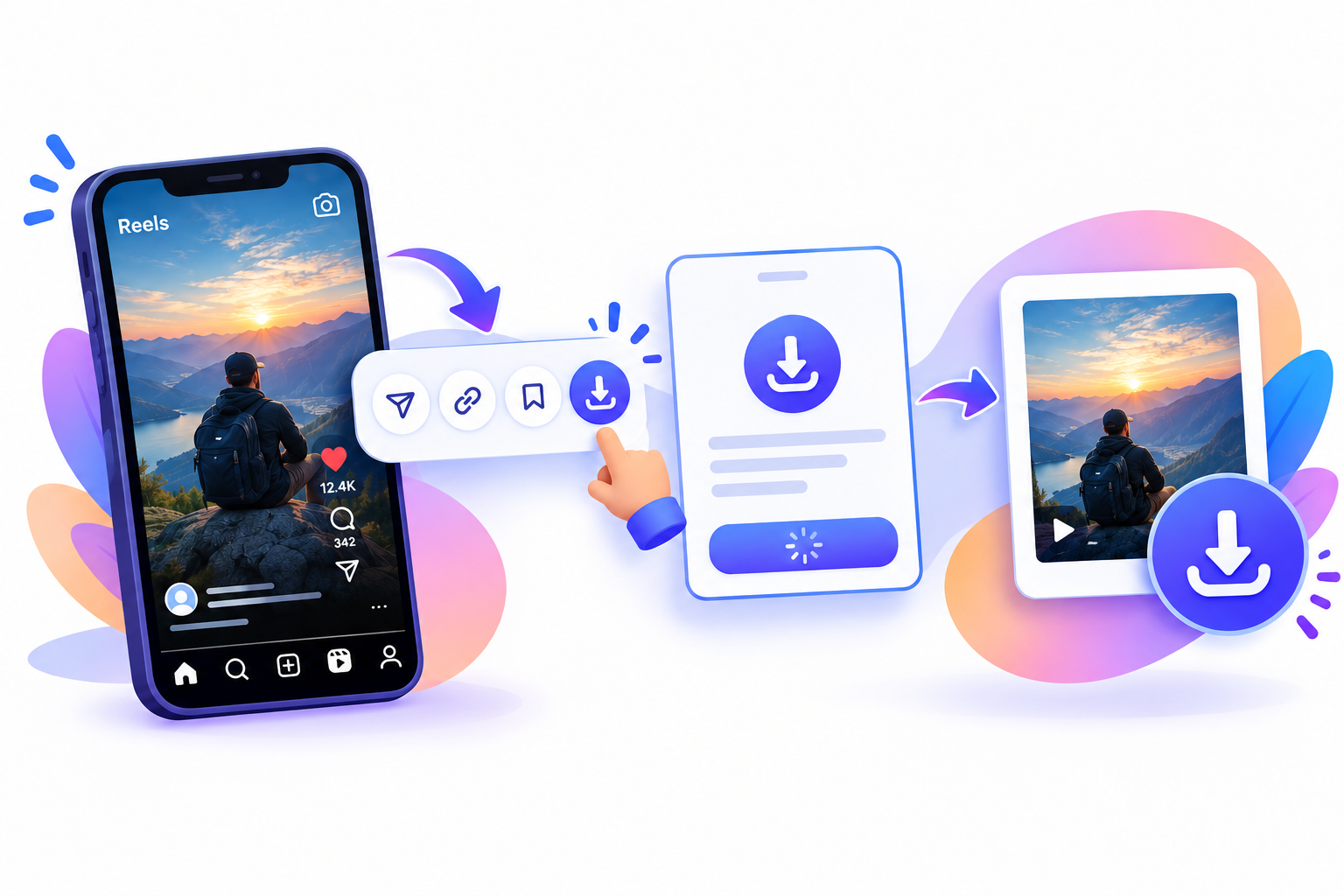
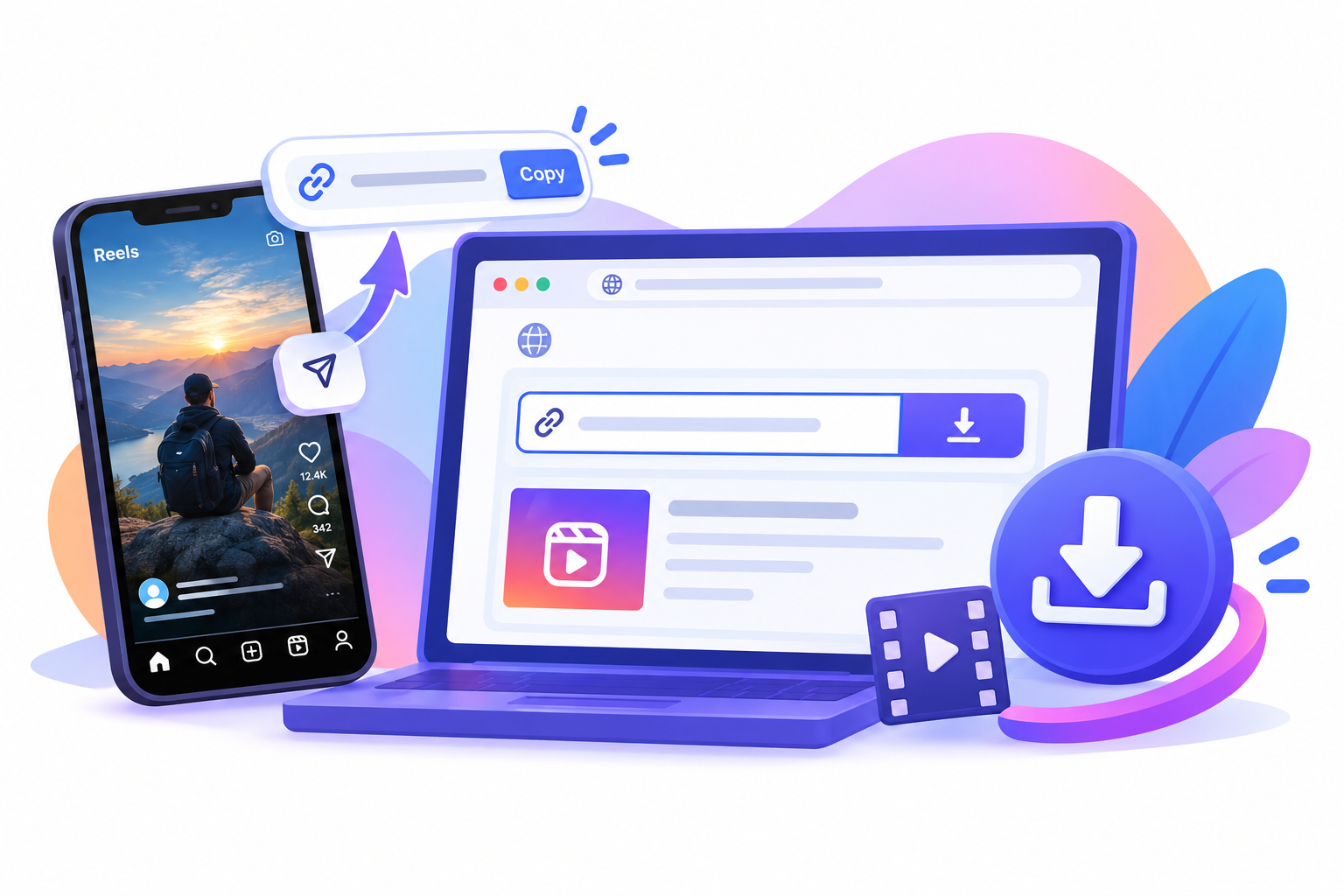
Copy the photo link
Open the public photo post, not the tiny profile-grid thumbnail, so you have the exact URL.
- Open the public photo (or the still you want from a carousel).
- Tap Share (paper plane) or the three-dot menu.
- Tap Copy link.
Use the post permalink. A profile URL or a screenshot of the feed will not give you an original-quality JPEG download.
Paste it into SnapPullr
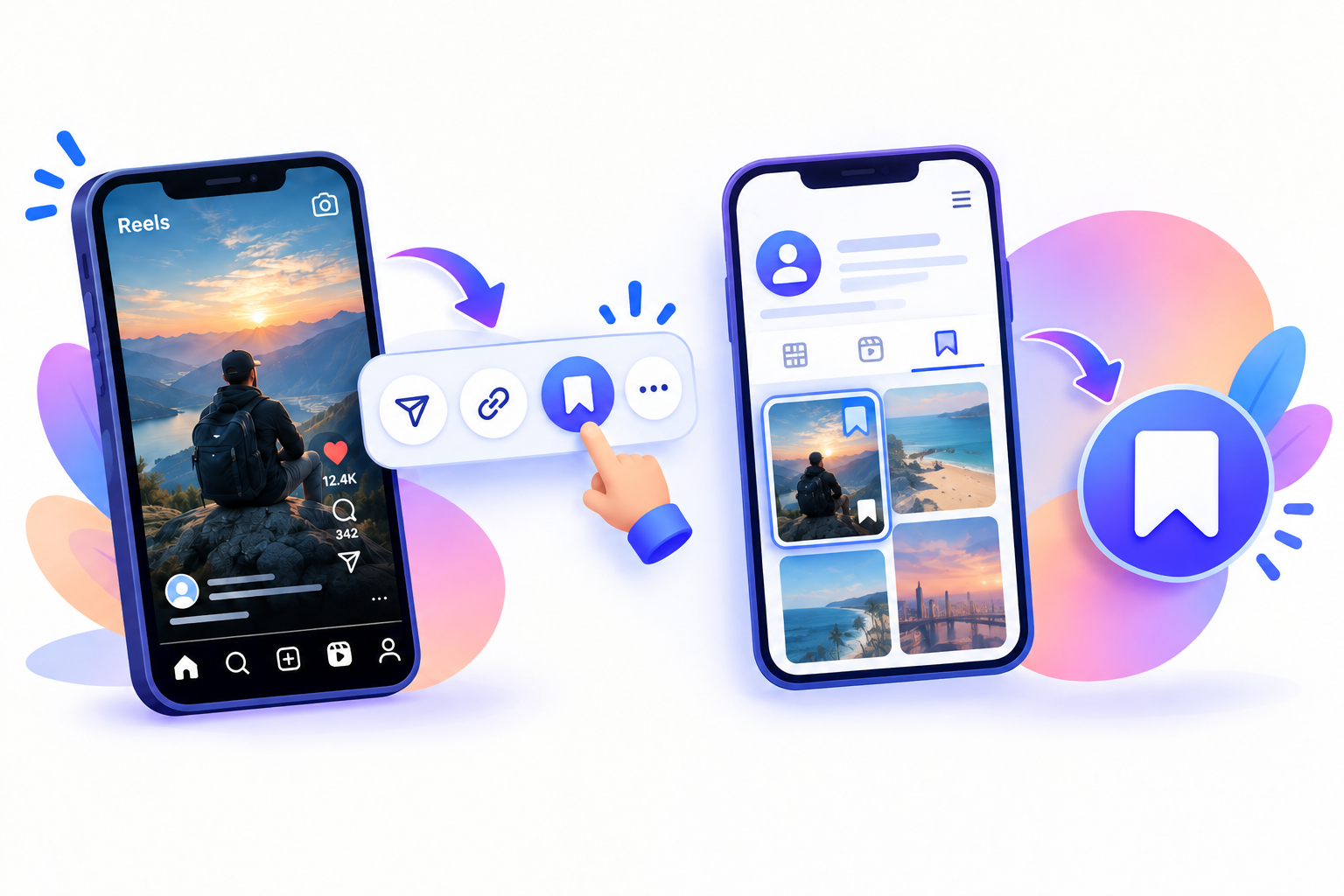
Use SnapPullr as an Instagram photo saver in the browser. On the homepage, open the Photo tab if you are already there.
- Open Safari, Chrome, or another browser.
- Go to the SnapPullr website.
- Paste the URL and start the download.
- If several sizes appear, pick the largest JPEG download.
SnapPullr does not ask for your Instagram login. It only works for publicly accessible posts. Private accounts will not work. SnapPullr does not add its own compression pass on top of what Instagram serves.
Save Instagram picture HD
On iPhone, the JPEG download may land in Files; use Save Image. On Android, check Downloads or Gallery. That is how you save Instagram picture HD into Photos.
- Open the downloaded JPEG.
- Confirm it is sharper than a screenshot of the feed.
- If a carousel has several stills, save each slide—not only the cover.
- Soft results usually mean a small upload, a screenshot, or a video frame—not extra compression from SnapPullr.
Original quality means Instagram’s stored rendition, not a camera RAW. A public photo is still the creator’s work. See copyright notes and SnapPullr terms. Quality limits are also in the FAQ.
Questions
Frequently asked
How do I download Instagram photos full resolution?
Copy the public photo link and use an Instagram photo saver such as SnapPullr. That is how you download Instagram photos full resolution and save Instagram picture HD as a JPEG download. Original quality means Instagram’s file, with no compression added by the saver.
Can an Instagram photo saver save Instagram picture HD?
Yes, as HD as Instagram serves. An Instagram photo saver cannot invent pixels. You still download Instagram photos full resolution relative to the post, then save Instagram picture HD via JPEG download. Original quality, no compression from SnapPullr.
Is a JPEG download the same as original quality?
A JPEG download is what most stills are. Original quality here means no extra compression from the Instagram photo saver. You download Instagram photos full resolution as stored, then save Instagram picture HD. Instagram already encoded the JPEG. That is not a RAW camera file.
Does SnapPullr add compression when I download Instagram photos full resolution?
Product copy is no compression added. You save Instagram picture HD at original quality. The Instagram photo saver returns the JPEG download Instagram provides when you download Instagram photos full resolution.