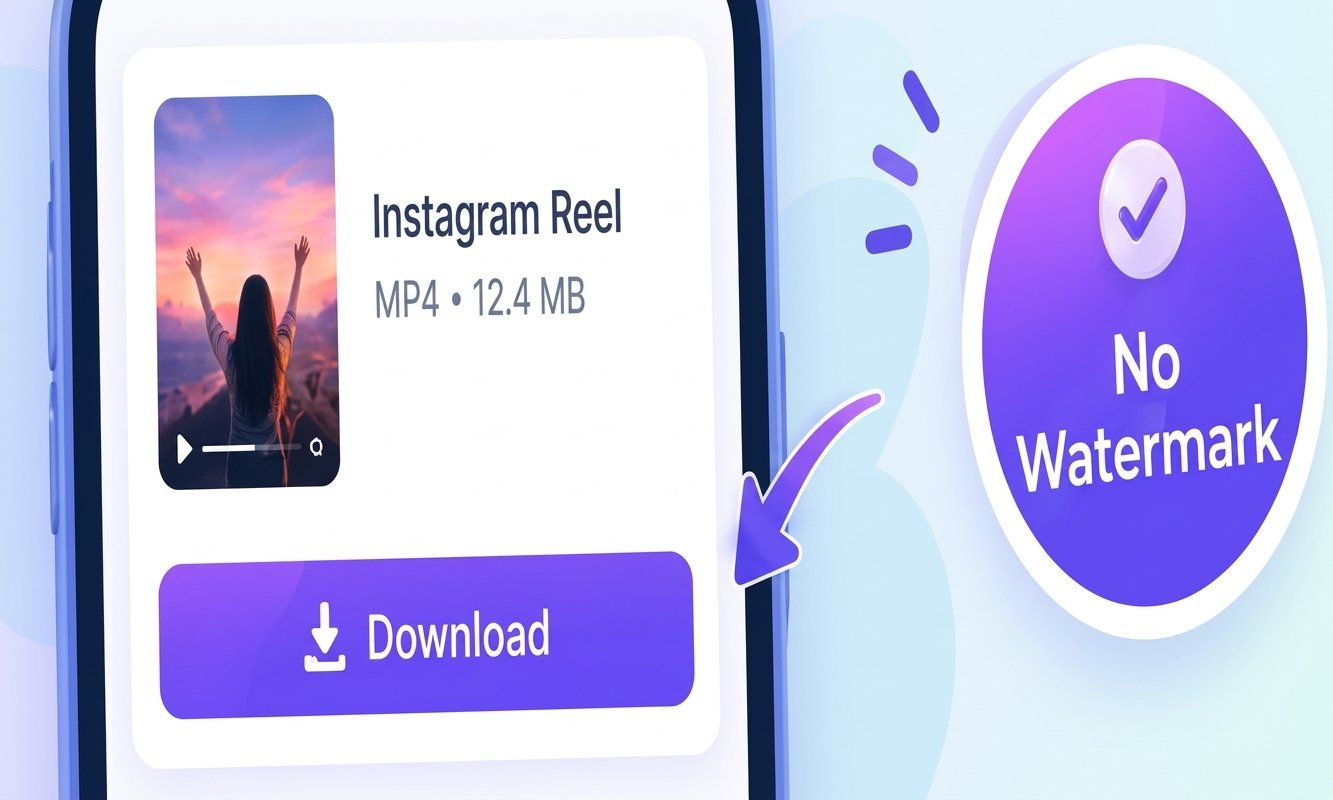
Instagram Reels are a great way to watch and share short videos, but downloaded Reels may sometimes include a watermark. You can save a Reel without a watermark by using a reliable online downloader. Simply copy the Reel link, paste it into the downloader, and download the video directly to your device.
Copy the Link of an Instagram Reel
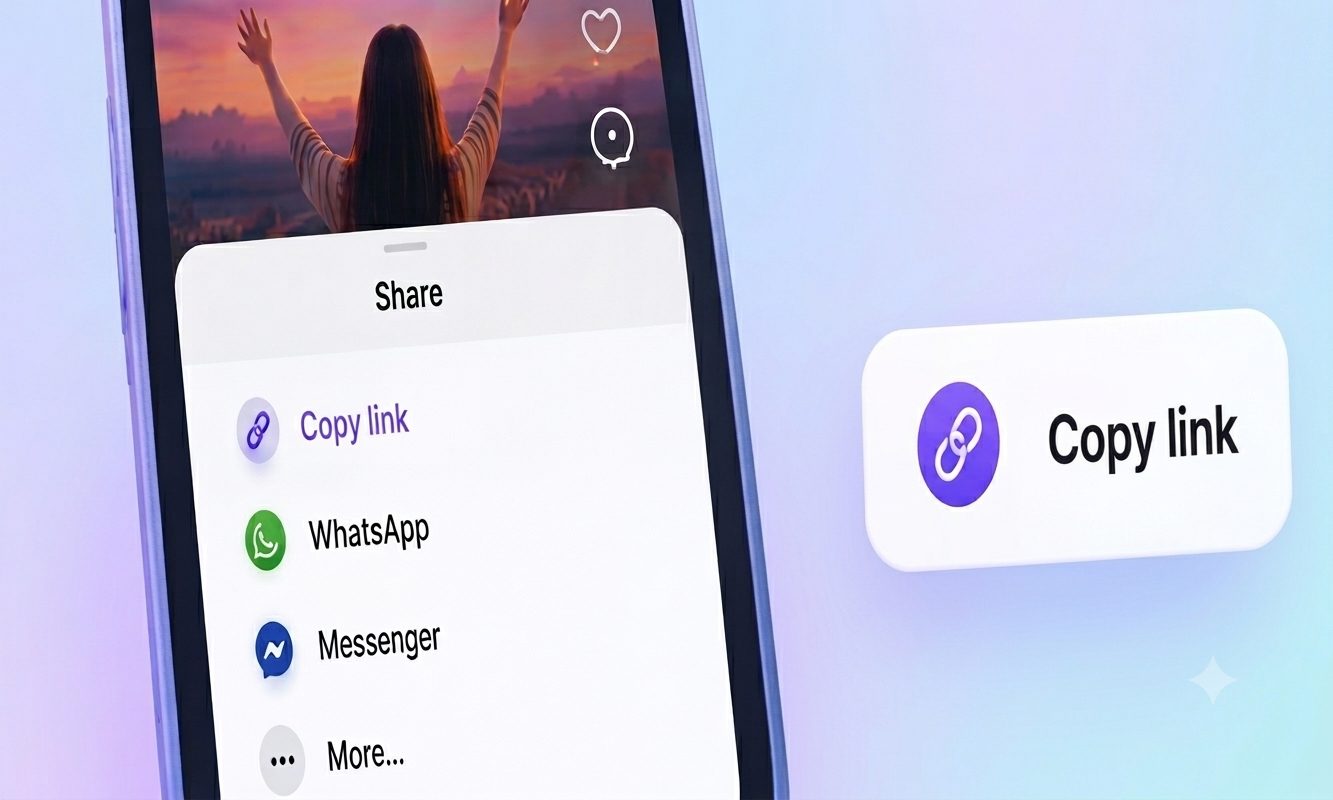
Open Instagram and find the Reel you want to download. Tap the Share button and select Copy link. The Reel link will be copied to your clipboard, ready to use with an online downloader.
Paste the Reel Link
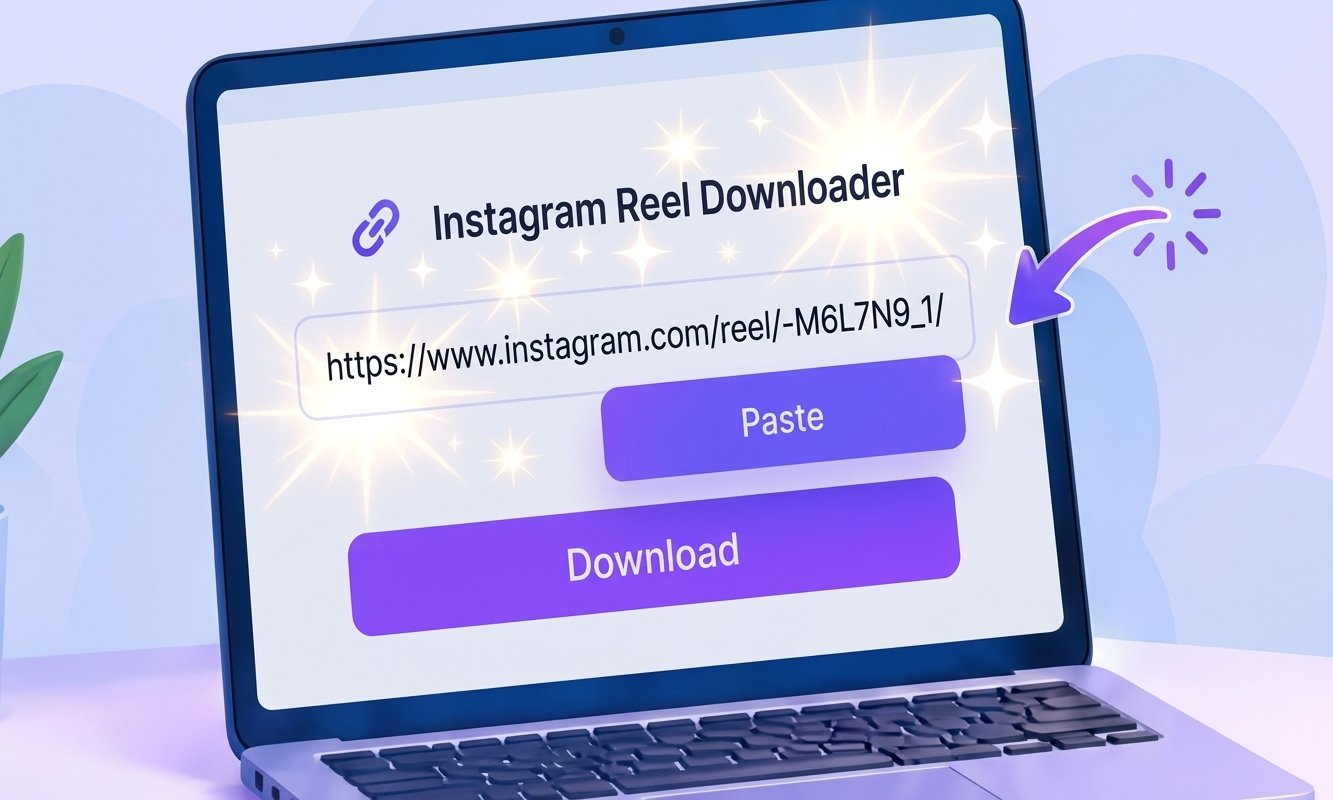
Open your preferred Instagram Reel downloader in your browser and paste the copied link into the input box. Make sure the complete Instagram URL is added before continuing with the download.
Download the Reel Without Watermark
After adding the Reel link, click the Download button. The tool will process the video and provide a download option. You can then save the Reel to your phone, tablet, or computer without the visible watermark.